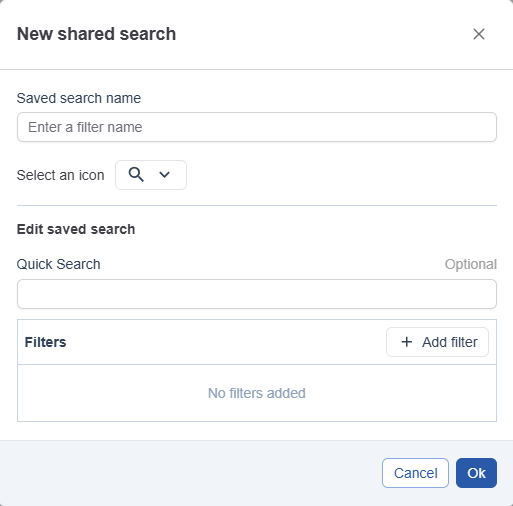
In Administration, you can set up Shared Searches so everyone who has access to a module can use the same searches. Shared searches are available in the following modules:
-
Tasks
-
Projects
-
Templates
-
Assets
-
Baskets
Any shared search that is marked as active will automatically become a default search for new users.
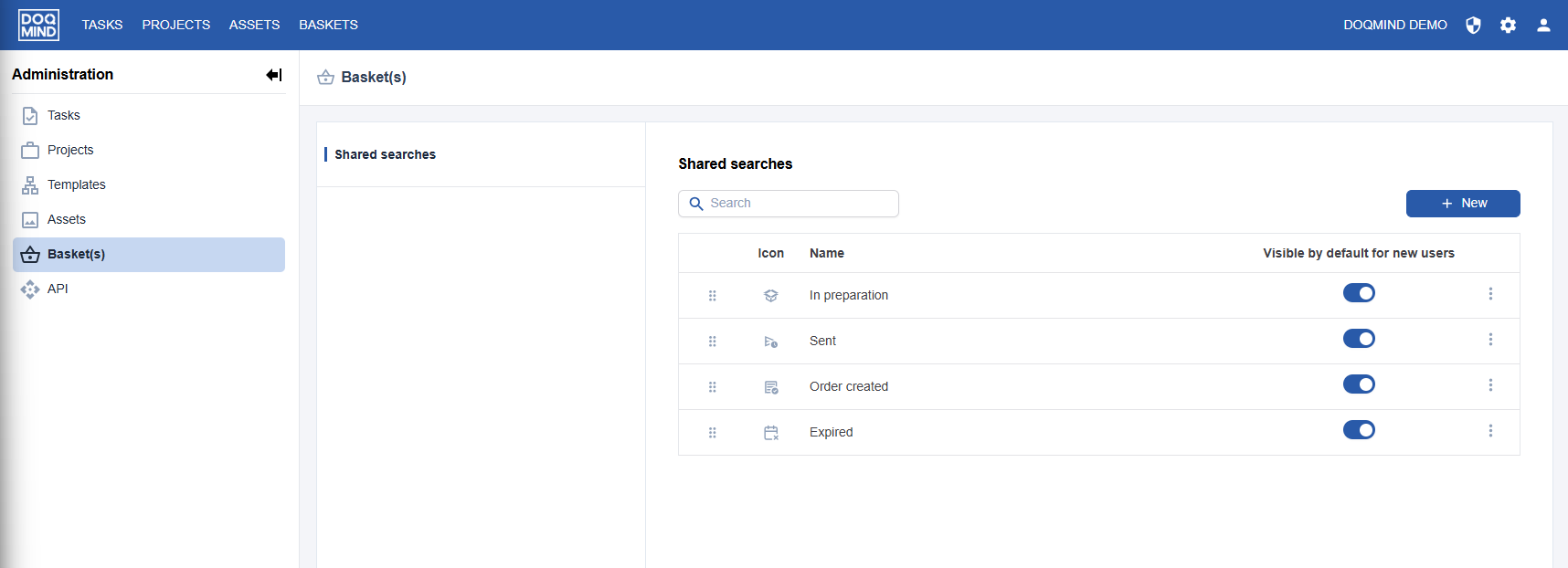
Types of Searches
There are two types of searches:
-
System searches – These are built in and cannot be edited or deleted. You can only change their visibility and order.
-
Shared searches – These are created and managed by administrators.
Creating a Shared Search
There are three ways to create a shared search:
-
Create a new search
Click the New button in the top-right corner. From here, you can build a brand-new search. This menu also lets you add a divider to organize the list. -
Convert an existing search
If you already have a saved search, open the hamburger menu next to it and select Convert to shared search. -
Duplicate and edit a search
You can duplicate an existing saved search and adjust the filters as needed before sharing it.
Visibility for Users
Once created, a shared search is available to all users. However, each user still needs to choose whether they want the search to be visible in their own list.