
Introduction
Database relations is the method that is implemented to create conditional fields in forms. It allows e.g. to only show suppliers in a specific region.
Relations can be created by clicking on the ‘new relation’ in the context button next to a table.
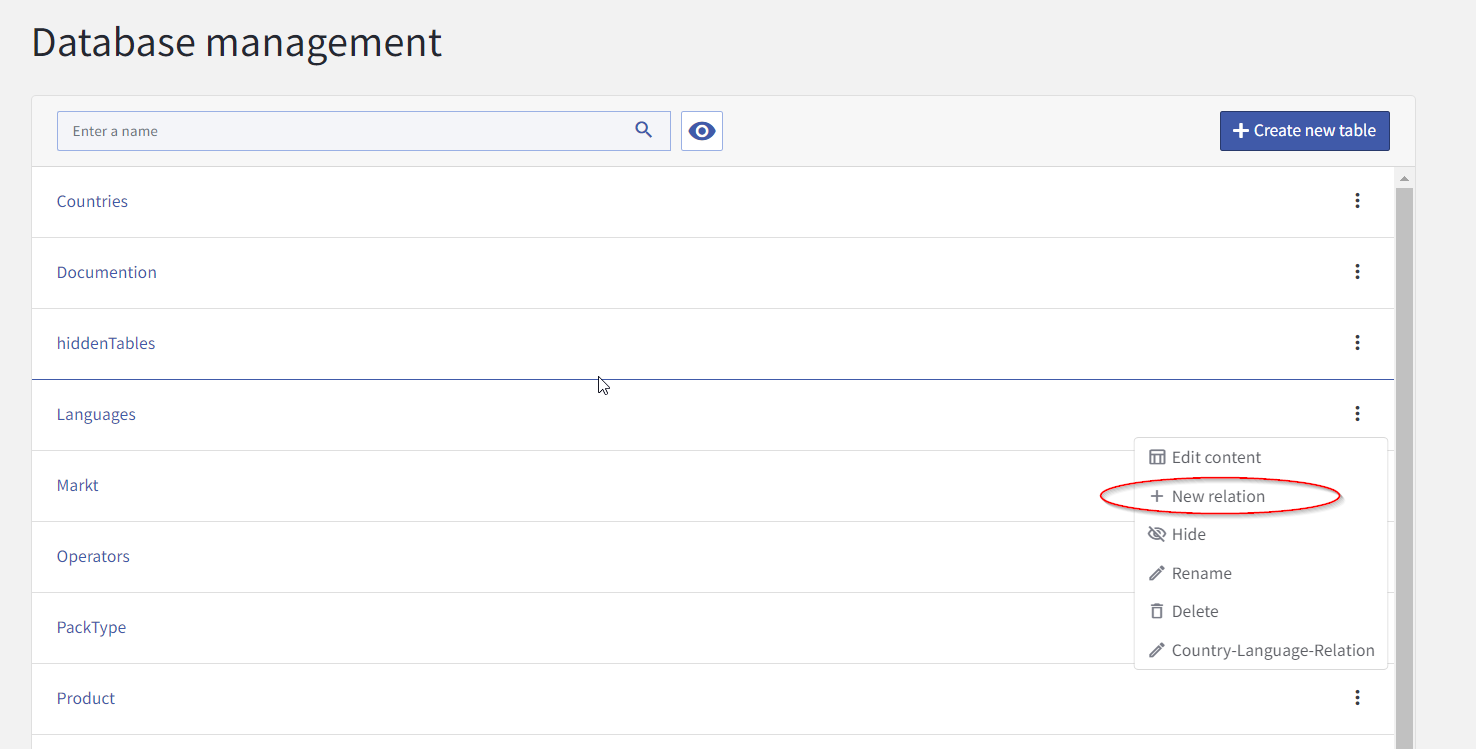
Create a relation
See the How to: configure database relations for details on how to create a relation.
Modify or delete a relation
If a table has one or more relation defined, they will be shown in the context menu of that table. Open the context menu and click on the relation you want to modify or delete.
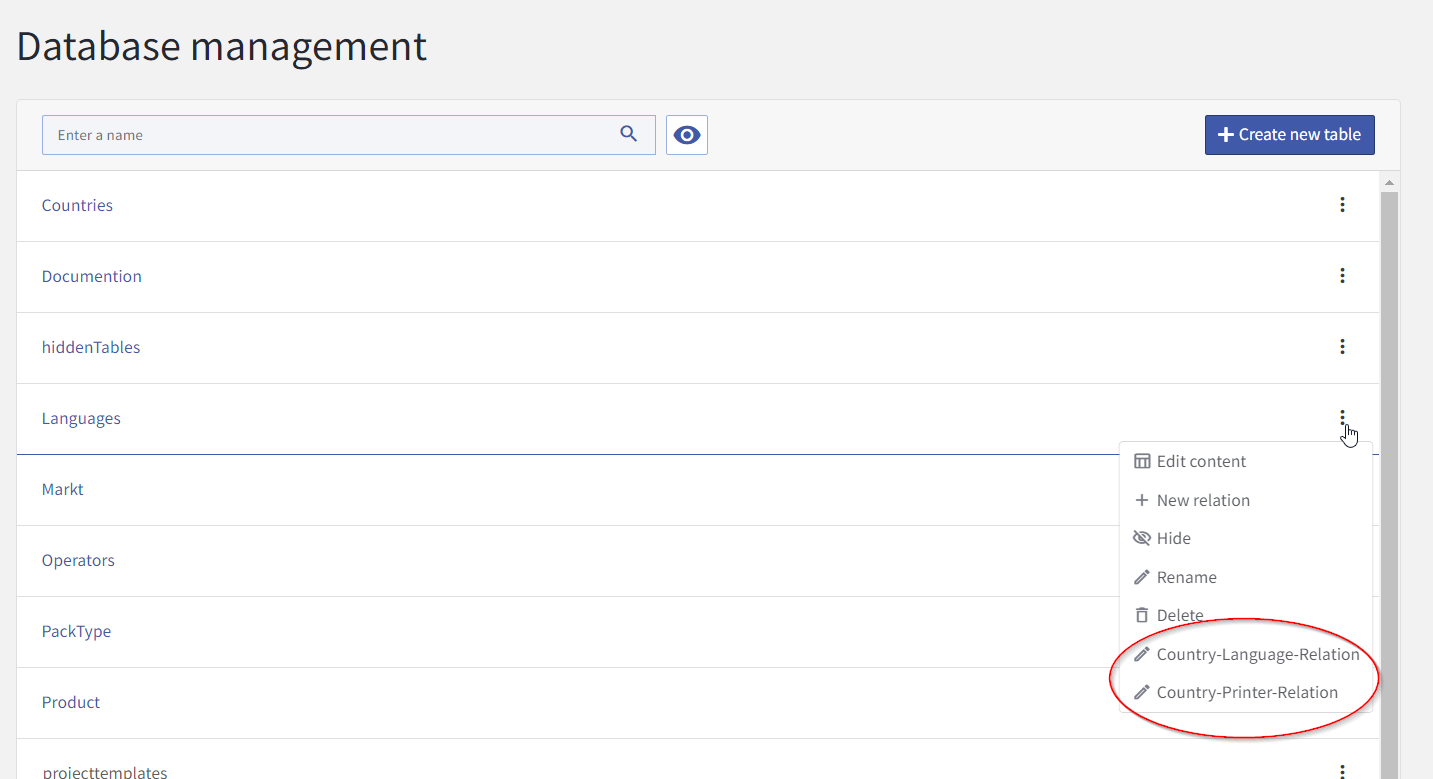
The relation editor opens and you can modify or delete the relation.
It is currently not possible to create a relation that refers to a system table. e.g. create a restiction on the table languages that refers to the users table is not possible.