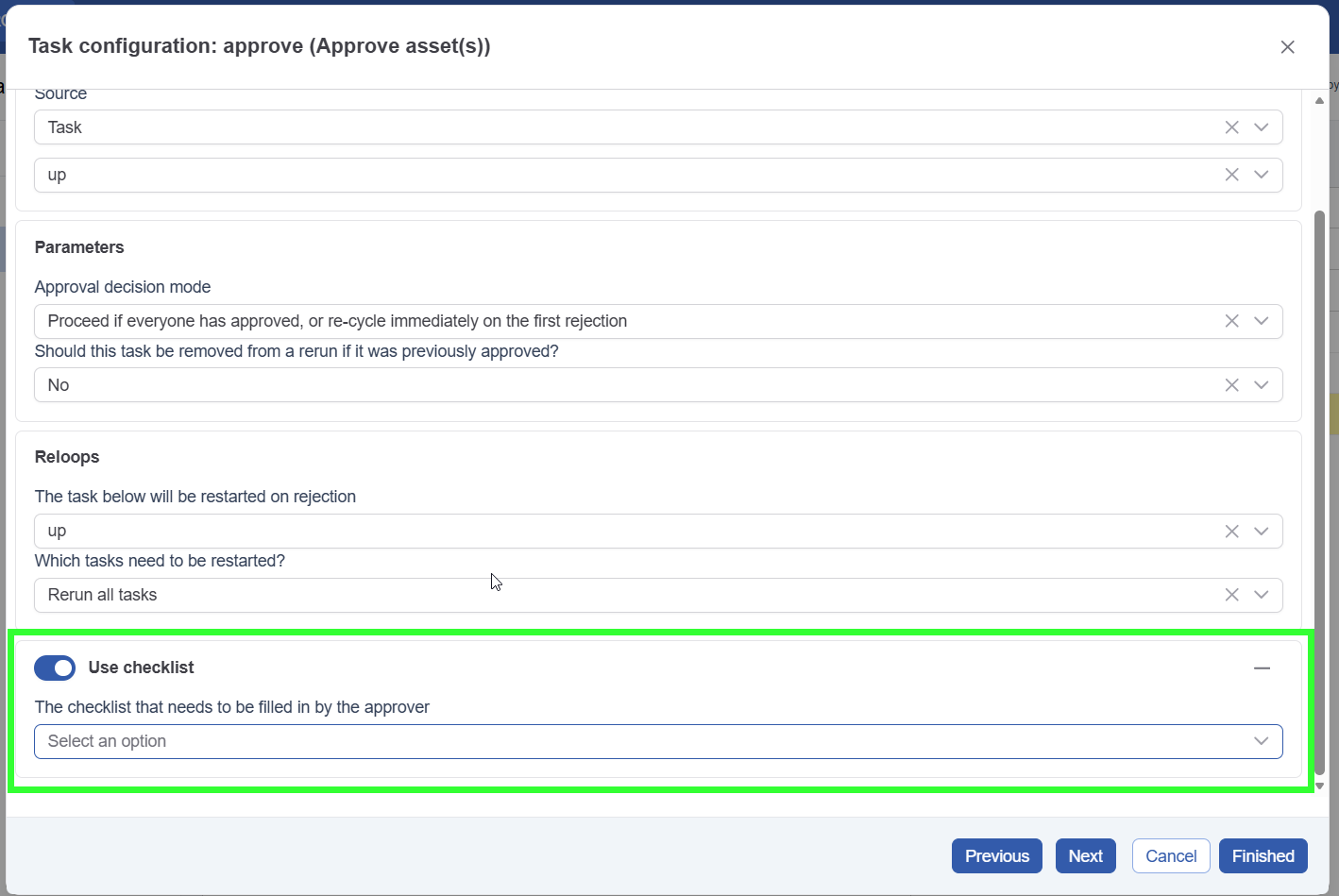
Configure the approval task to show a checklist
This section assumes you have built a checklist template and activated a version. If not, please read Create a checklist template first.
Open the approval task where you want to add the checklist and go to the parameters tab. Activate the ‘use checklist’ section and select the checklist template. Complete the task configuration, and the checklist will be active.
You cannot select a specific version; the system always uses the active version when creating the task.