
Checklists allow you to guide approvers into what exactly they need to check on an asset, and to give clear feedback on each point. Checklists are shown in the viewer.
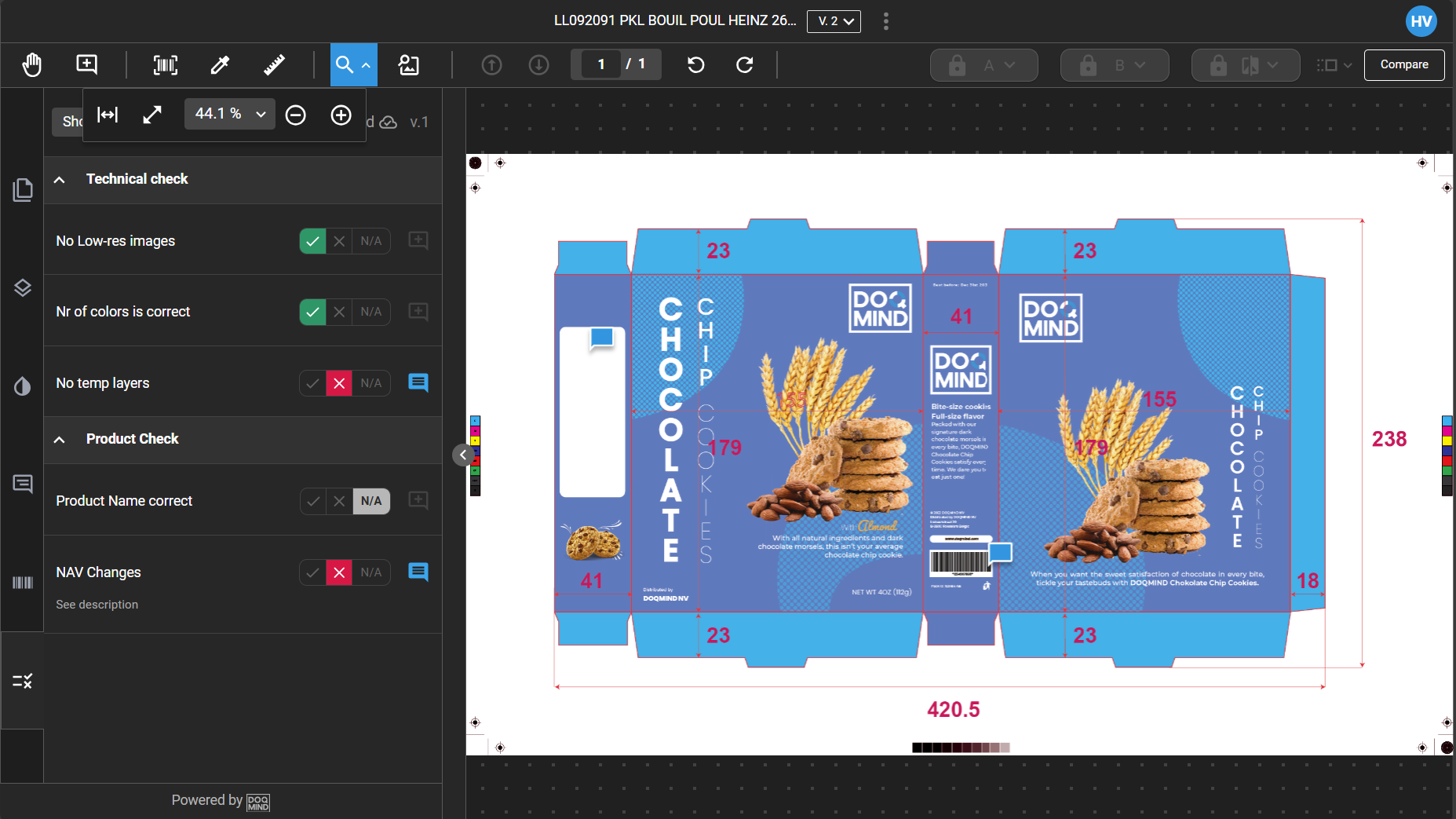
Checklists link to an asset and a task. This allows multiple checklists, completed by different actors, on the same asset within a project. For example, if you require marketing and legal approvals in separate tasks, you can use different checklists for each.
To use checklists in an approval task, complete the checks in order. Click the links below to visit the relevant pages.