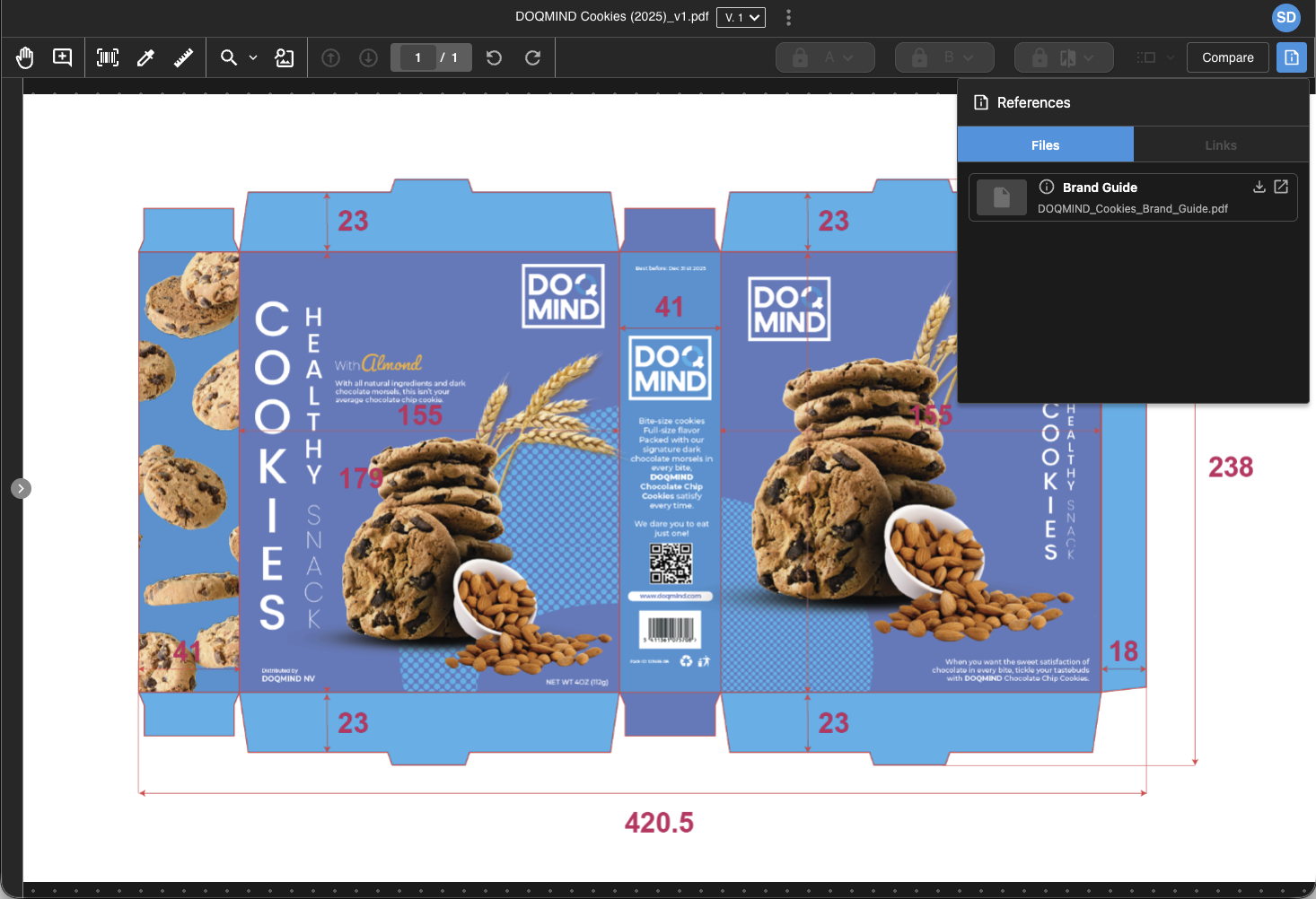
Reference files are supporting materials — files or links — that you can attach to an approval task. When a reviewer opens an asset from that task in the viewer, they see the reference files alongside the asset, giving them the context they need to review.
Typical examples are product specifications, brand guidelines, a previous approved version of a similar asset, or a link to an external style guide.
Reference files and reference links are configured together, on the approval task itself.
How reference files behave
Reference files are pushed when the task becomes active, and then frozen. This means:
-
The reviewer always sees the reference files that were in place at the moment the task started.
-
If the asset or file used as a reference changes later in Assets, the reference stays the same.
-
Reloops are supported: when a recycle generates a new instance of the task, the references are pushed again based on the configuration at that moment.
Reference files are only shown when the asset is opened from an approval task. If the same asset is opened directly from the asset library, the References panel is not available.
Unlike checklists, reference files do not distinguish between read and write mode. They are visible for both active and finished tasks.
When a reference is no longer available
Assets can be removed, and old versions can be purged. If a referenced asset or asset version is no longer available when the reviewer tries to open it, the viewer shows a clear message instead of the file. The rest of the reference files in the panel are unaffected.
Sections
To use reference files, complete the steps below. Click the links to visit the relevant pages.
-
To configure references on an approval task, see Approve asset(s) → Use references. see Approve asset(s) | Use references for a more detailed explanation.
-
To review references as a reviewer, see Review reference files in the viewer.
-
To use a reference file as one side of a compare session, see Change the compared file from Reference files or Asset Library.