
When opening an asset in the viewer where a checklist has been filled in, either from the asset module, or from the finished task details, or in a relooped upload task, it’s possible to review all filled in checklists.
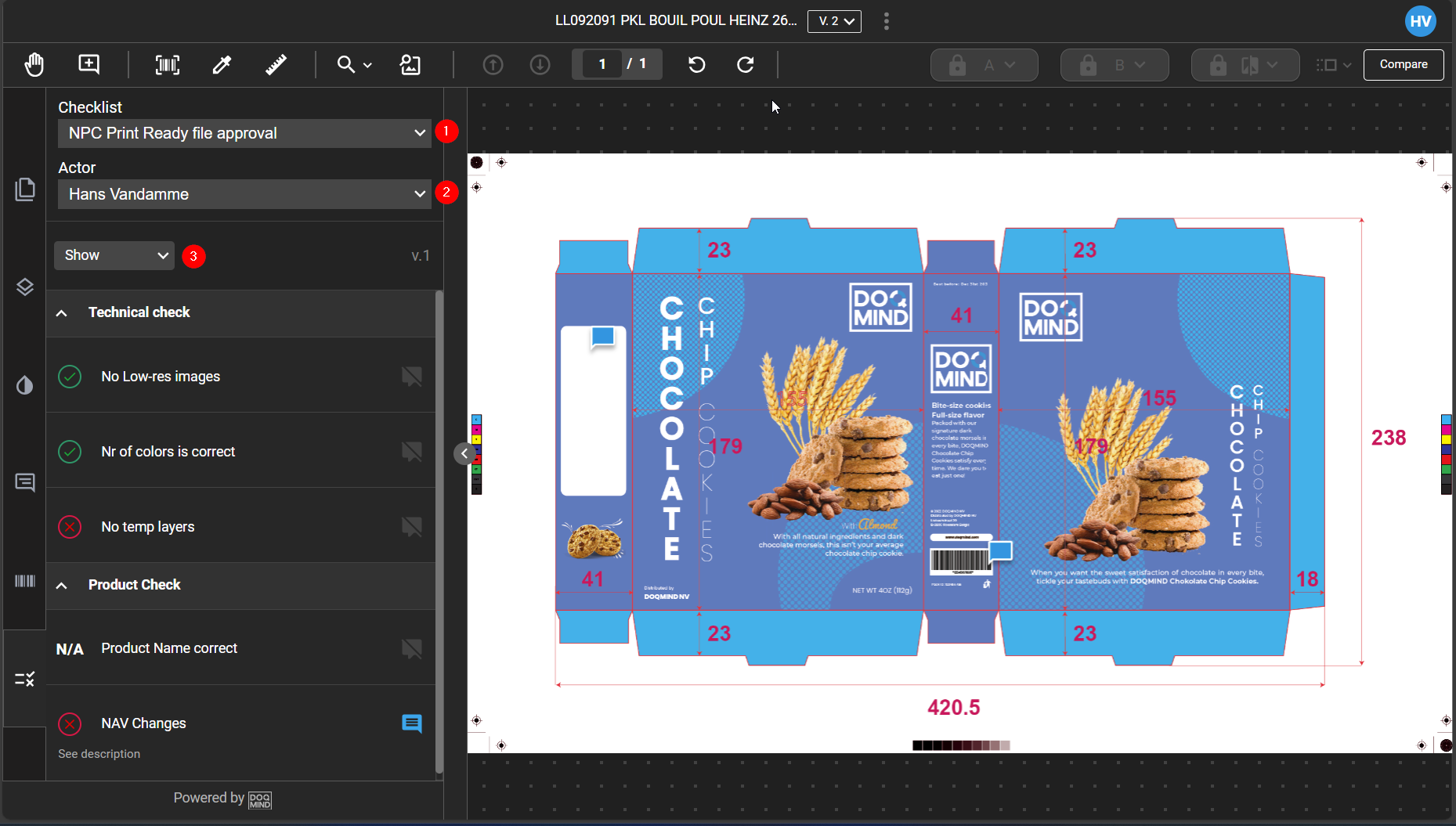
In the interface, you can:
-
Select a checklist
-
Select an actor wo filled in the checklist
-
Filter on acceptance or rejections, and see the comments