
The toolbar can be found on the top side of the interface. It is responsive to the size of the browser windows it is in. When resizing the browser window, it will automatically group or un-group tools to maintain a clean look while maintaining efficient usage of horizontal screen real-estate.



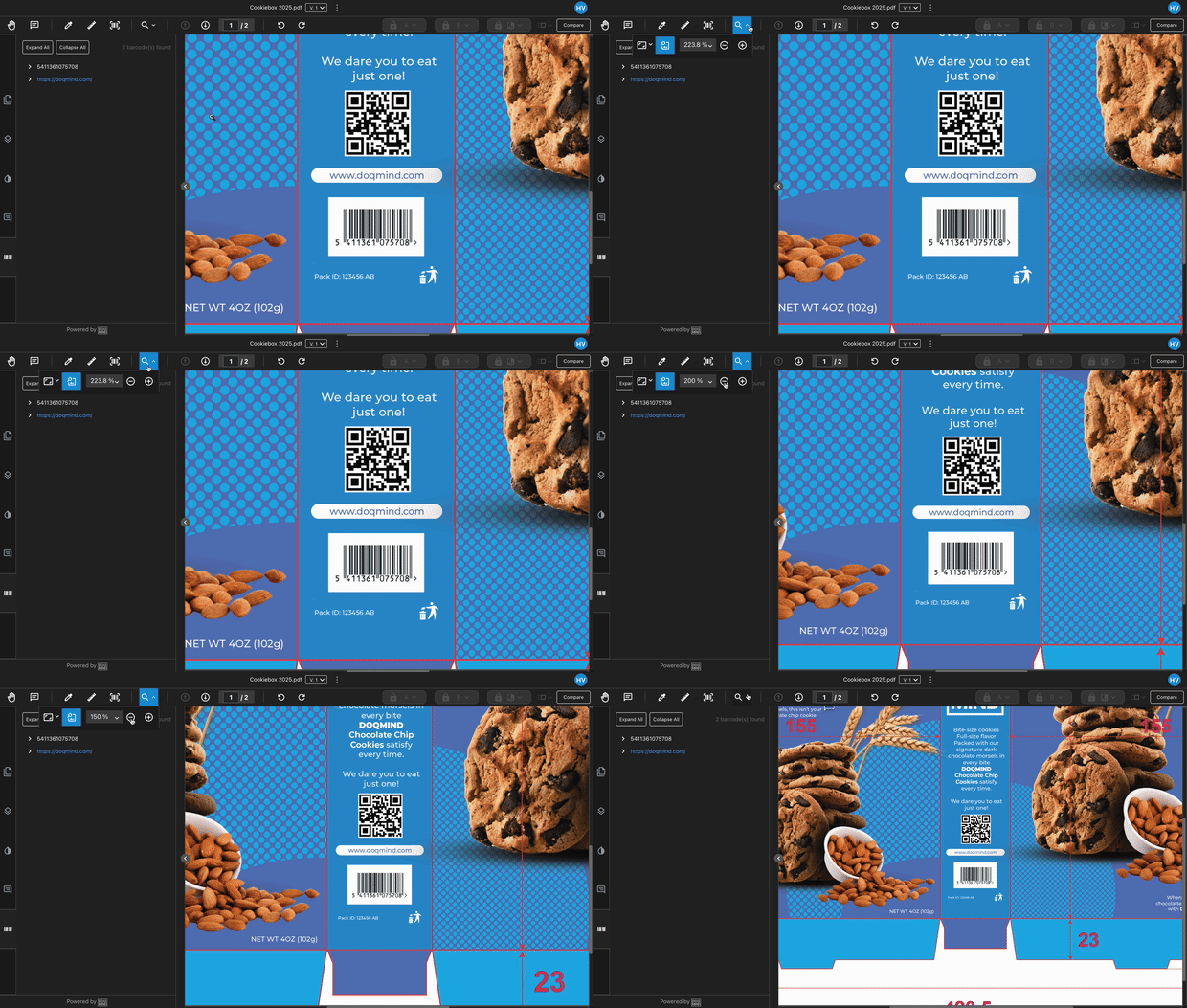
The compare and zoom tools are grouped together and accessible via dropdown. This occurs when the windows becomes narrower
It hosts a variety of features that interact with the visual content and appearance of the asset. These features are:
All of these tools have their own dedicated article explaining how they function.