Canvases
In compare mode, up to 3 canvases can be enabled in the viewer. Use these canvases to arrange the compare tools as preferred. Activate one, two, or all three canvases using the toggle buttons.
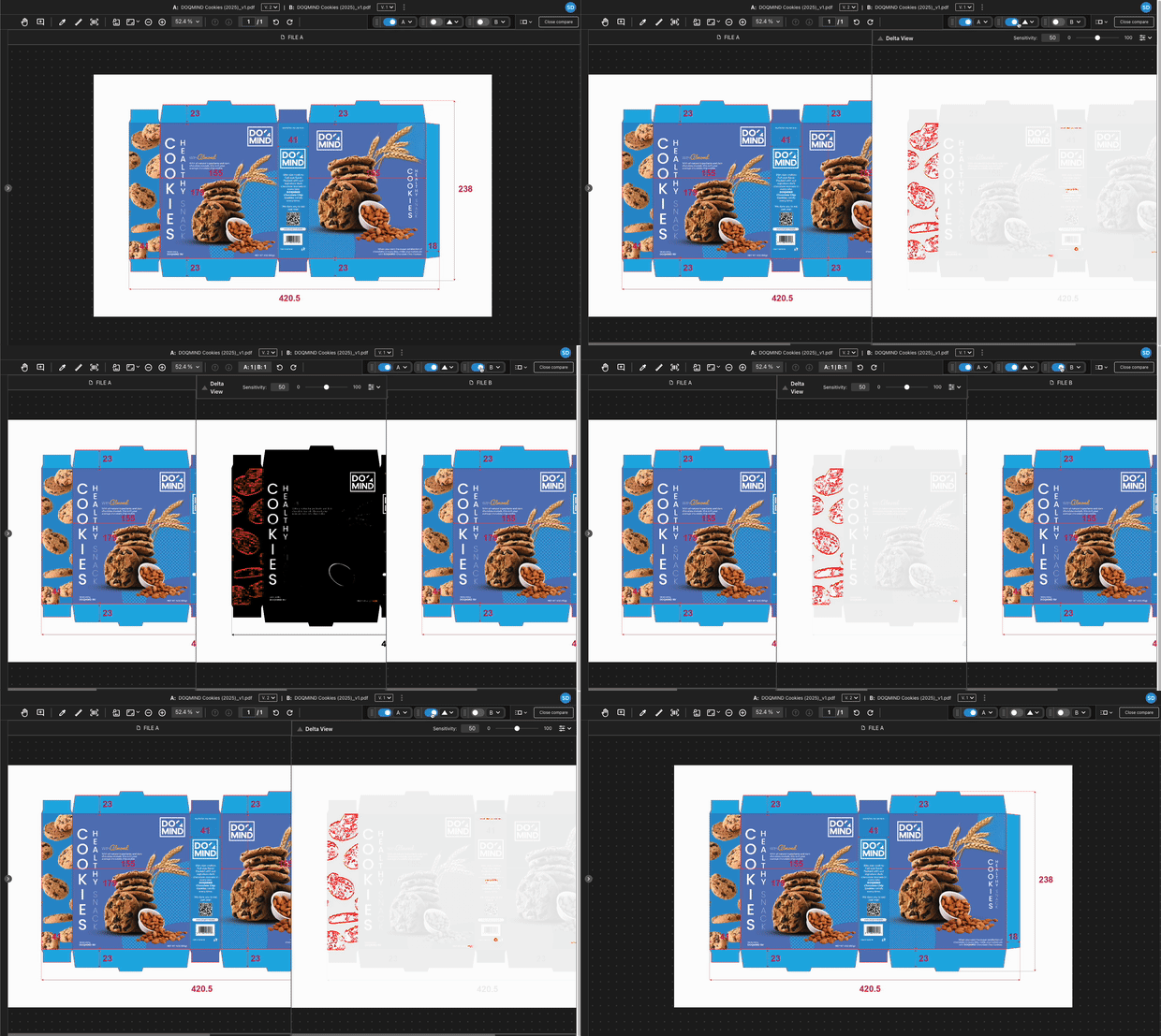
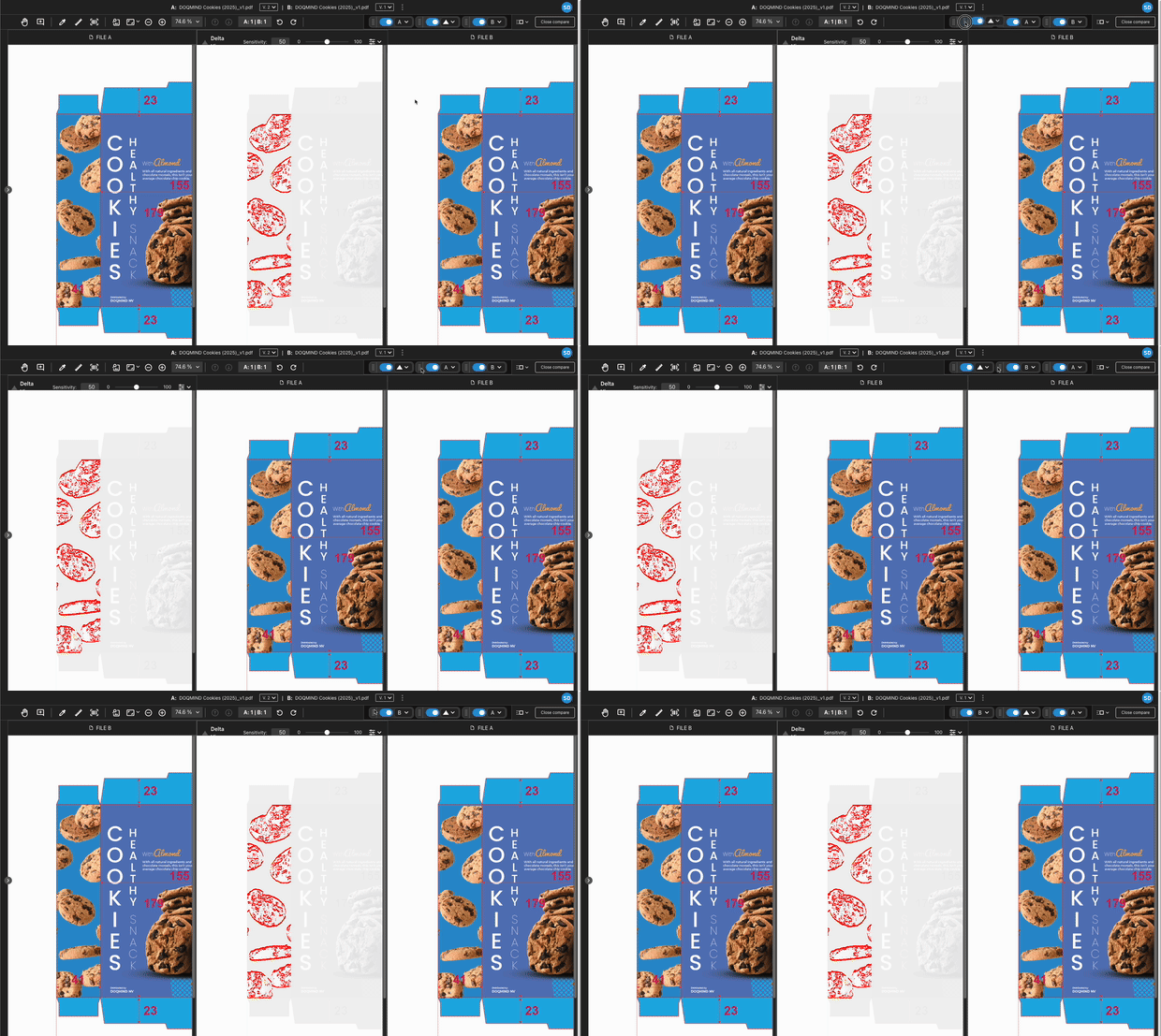
If you have multiple active canvases, drag them to reorder.
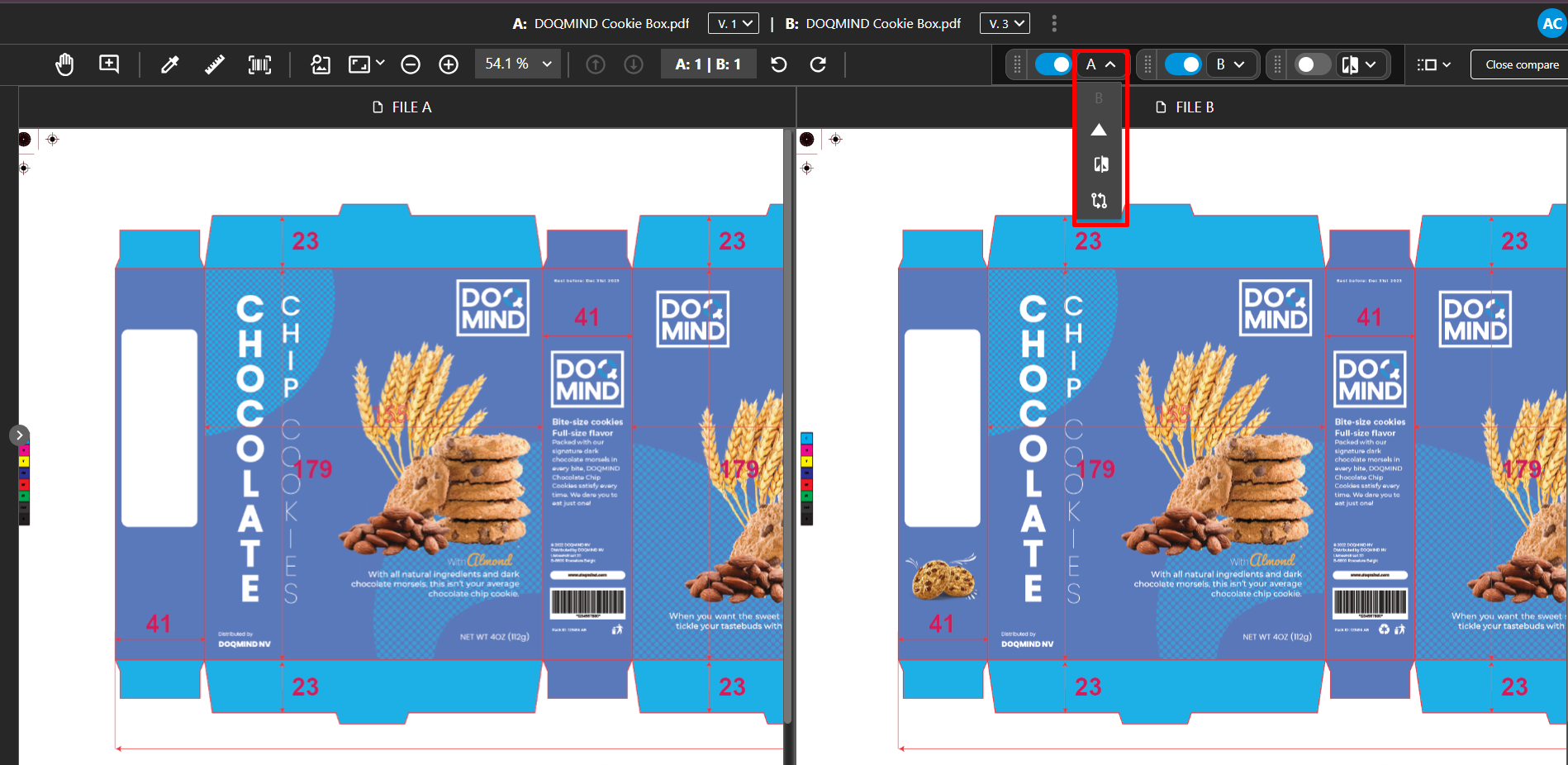
Change each canvas's mode using its dropdown menu. See Compare modes for details on the modes.
Action Mirroring
Actions mirror across canvases. For example, measuring a color on one canvas measures the same point on all active canvases or if you pan, the panning is applied on all canvases. The following actions are measured:
-
Panning
-
Zoom - Fit to page/Fit to Width
-
Rotation
-
Read barcodes