
Baskets can be created in two ways, from existing assets or directly from the Baskets module.
From existing assets
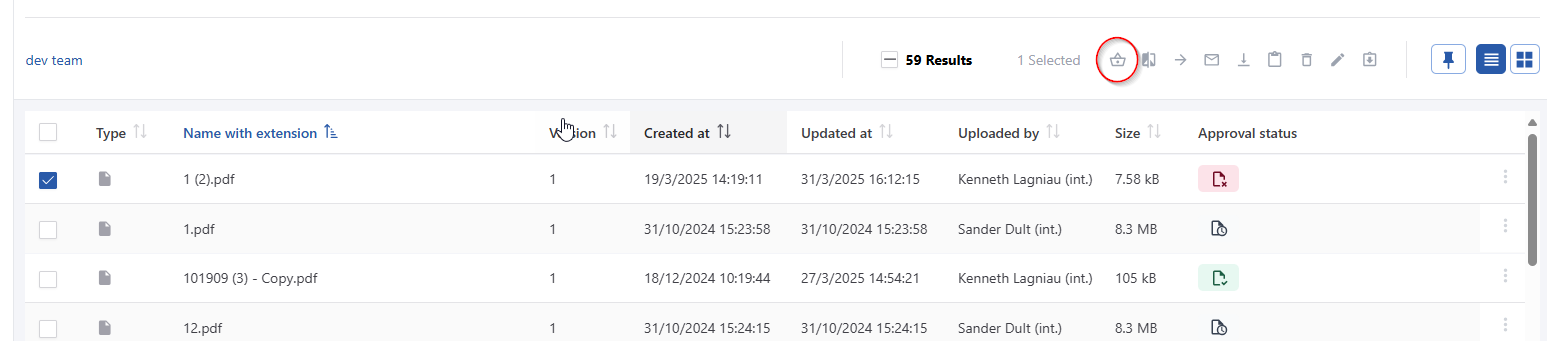
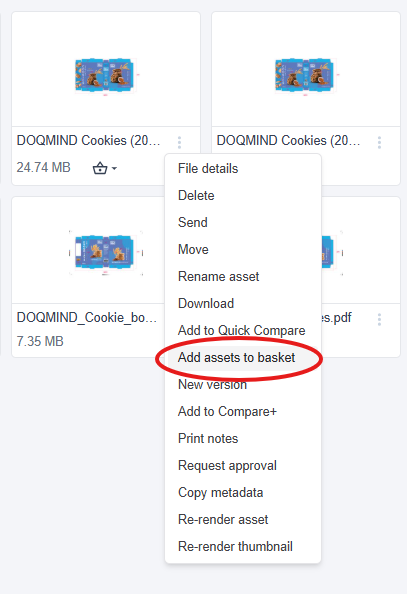
Given an existing asset, or a selection of assets, we can create a basket from either the context menu or from the menu bar on top of the screen:
You’ll be asked to choose a name for the new basket. This modal also allows you to add the asset(s) to an existing basket. In this case, the input field will turn into a dropdown, from which you can select the existing basket. There also the option “Open basket after adding asset” to immediately navigate to the basket.
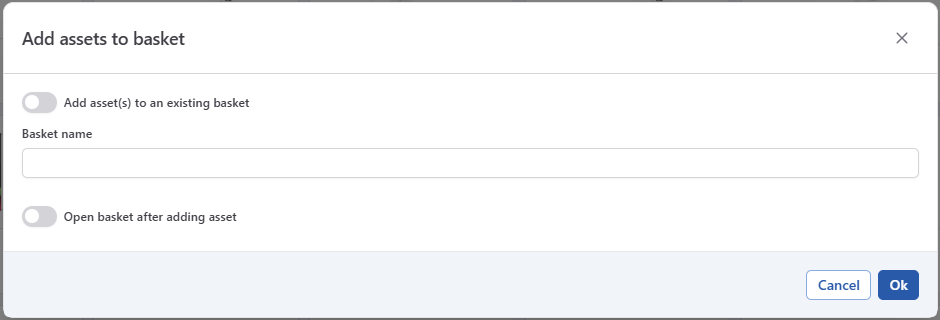
You can add any file you want to a basket. They do not need to be in the same folder and they can be added at any point in time.
From the baskets module
You can create a new basket from the baskets module.
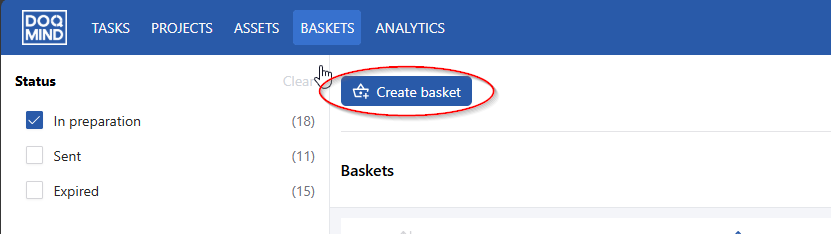
Click create basket and enter a name.