
This tutorial explains how to configure conditions on tasks and task groups. This is tutorial assumes you already know how to work with forms. If you don’t, please go through the forms tutorials first.
What you will learn
DOQMIND can dynamically delete or finish tasks or task groups based on the input from a project manager or an actor in a form field. At the end of this tutorial you will be able to configure task conditions on tasks and task groups to achieve this.
Tutorial
Attention points
-
Only metadata from a metadata form can be used in conditions
-
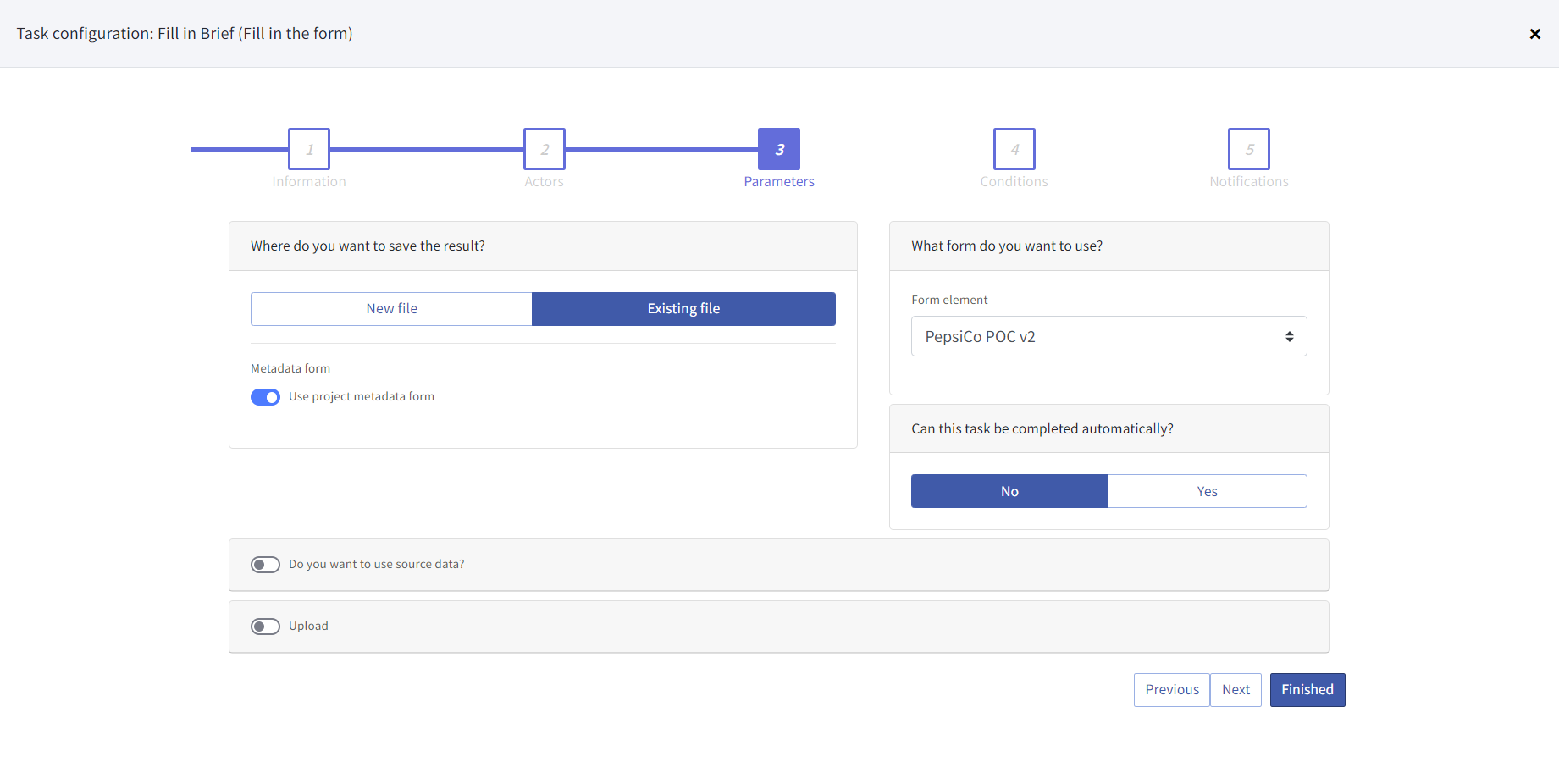
The form can be filled when creating the project or via the ‘fill form’ task. If the form is filled via the ‘fill form’ task, make sure that it is saved with the ‘use project metadata form’ option active.
-
Multiple conditions act as a logical 'and'.