
This release brings new features and improvements to all DOQMIND modules. From granular project rights to new viewer tools, read on for the full breakdown of what’s new.
Projects
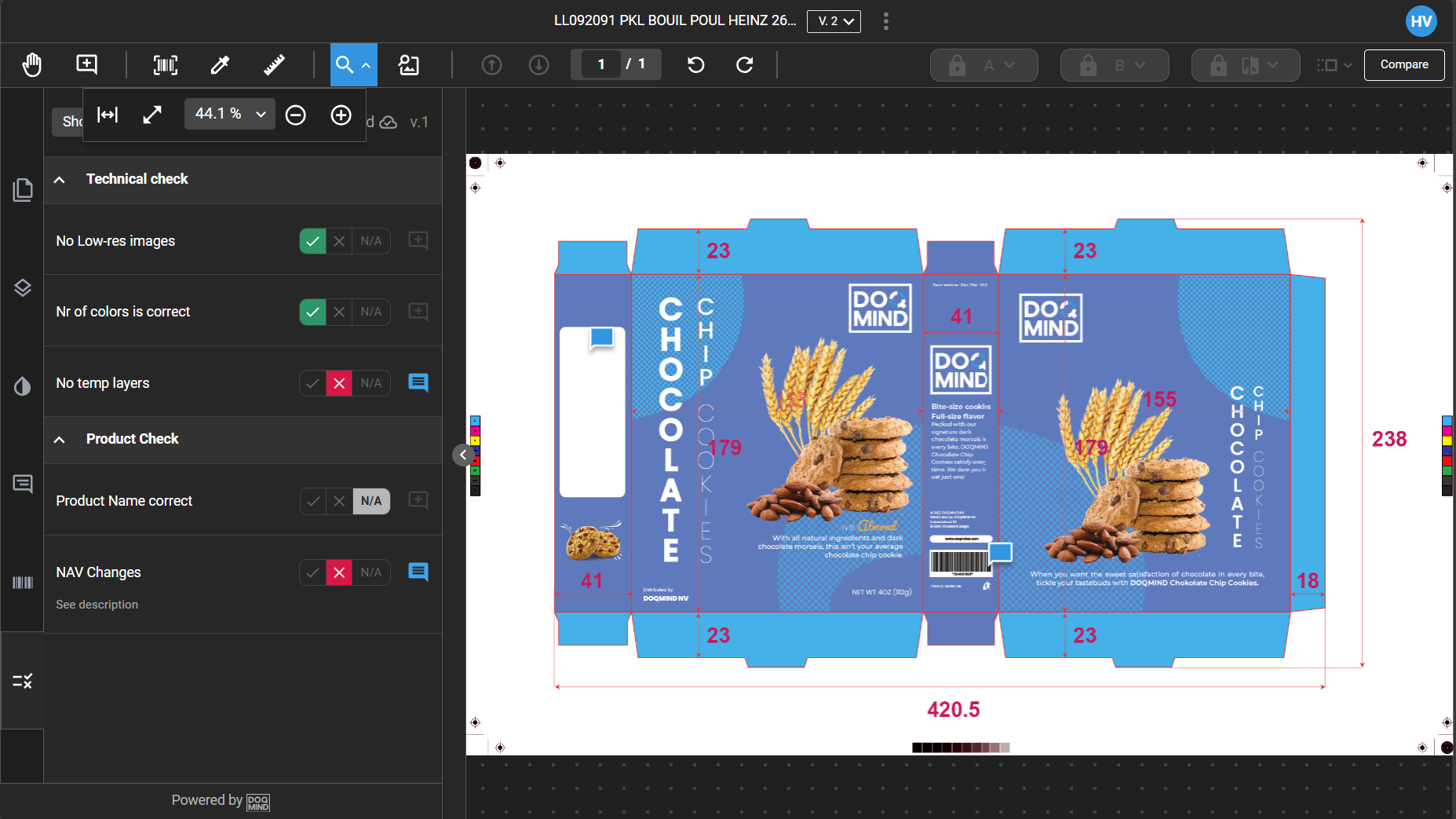
Checklists
You can now create checklists for approval tasks. This guide directs approvers through required checks and enables structured feedback. Completed checklists display to the uploading user during reloops, enhancing feedback visibility in the approval process. Read the full breakdown at Checklists.
Granular Project Rights
We have deprecated the broad "Administrator" and "Project Owner" permissions in favor of granular rights. This allows for more precise access control. Please review Projects Rights to get the full view of the expanded list of Projects rights.
In order to fully leverage these rights, consider using User Roles , if not already in place.
Project Notifications
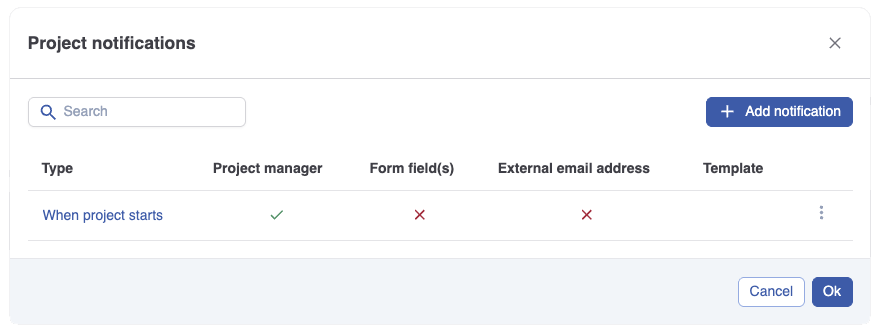
We have expanded notifications to the project level. Available triggers include project start, finish, cancellation, deadline warnings, and actor assignment failures. For a full list of triggers and setup instructions, please refer to Working with templates.
Out of Office
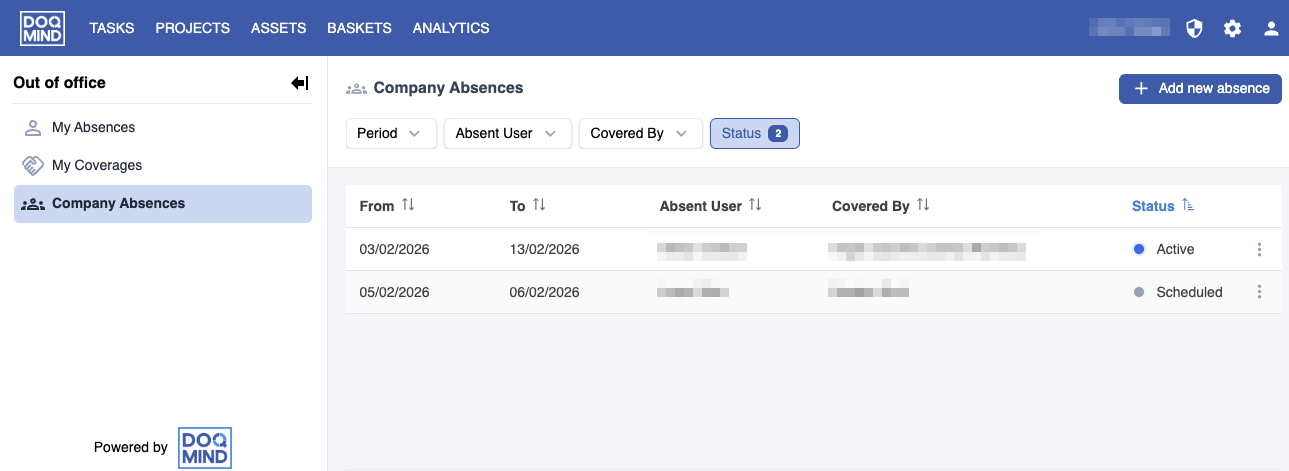
The "Backup Person" feature has been overhauled and renamed to "Out of Office." Administrators can now manage absences and designate backups on behalf of other users. You can learn how to configure this in Out of office management
Assets
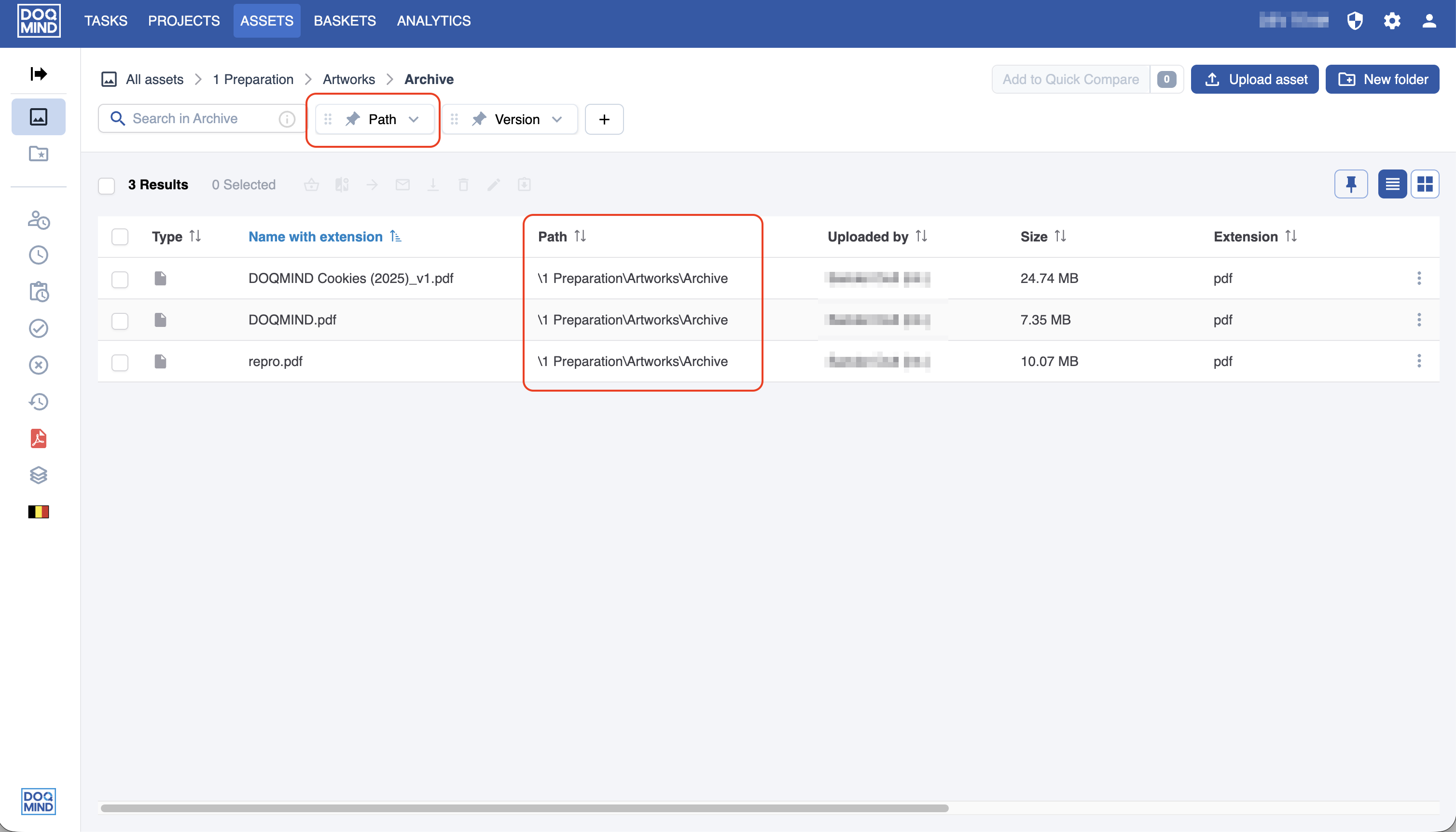
Search by Path
You can now filter and search for assets based on their file path, as "Path" has been added as a visible column and filter. More information on using this filter is available at Searching, filtering and sorting Assets | Path.
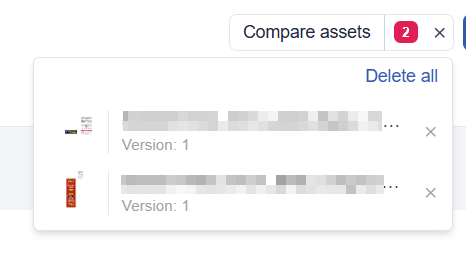
Quick Compare Improvements
We have streamlined the "Quick Compare" user interface to make comparing two PDFs more intuitive. Review the changes in https://doqmind.atlassian.net/wiki/x/AQC5Mw.
Performance Improvements for Sending Baskets
The process for sending asset baskets is now more efficient. We have also improved error reporting to provide senders with better feedback if a basket fails to send.
Viewer
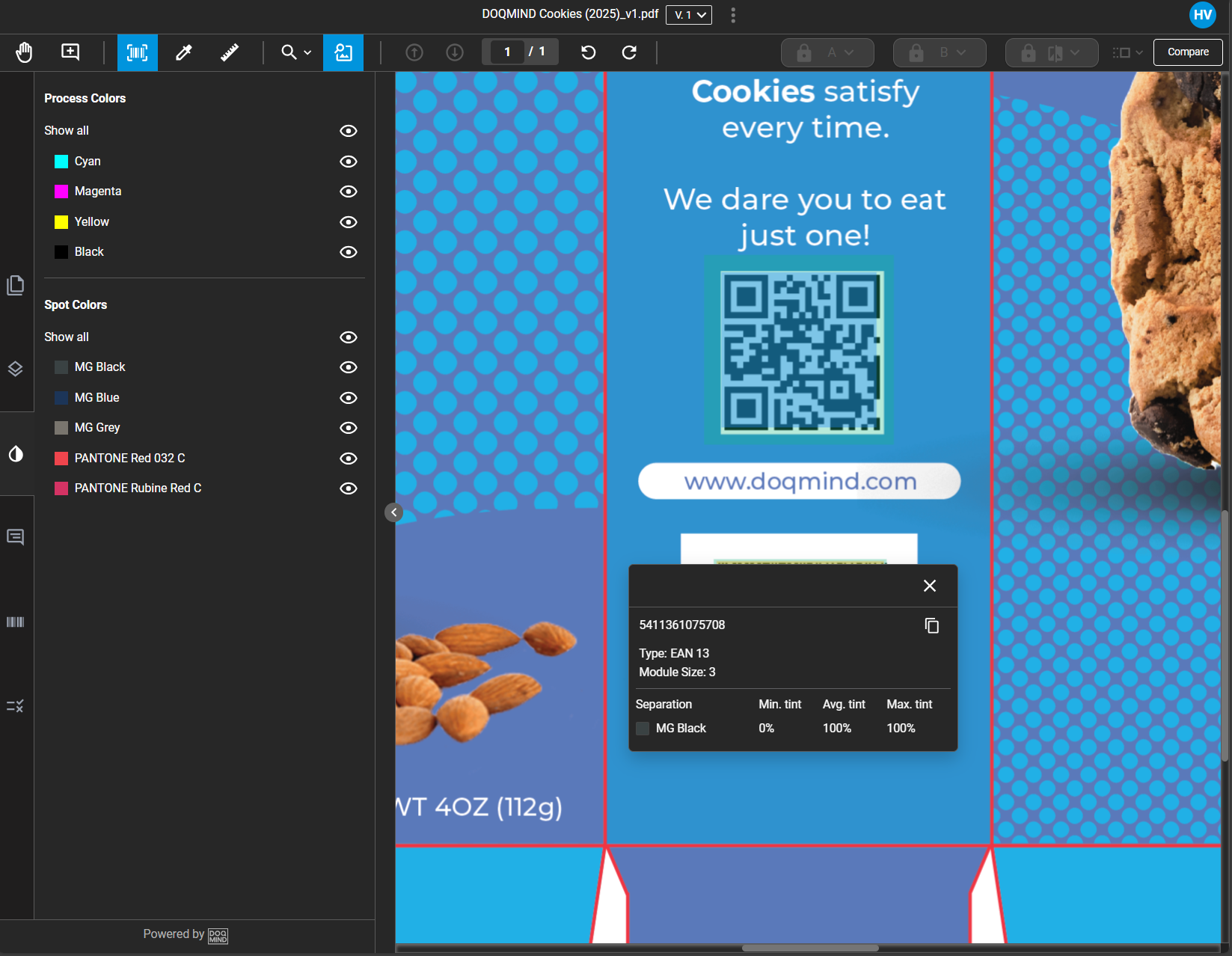
Barcode Improvements
Barcodes are now cached for improved performance. The system now also detects colorants, module size and shows suggested quiet zones. See Barcodes for specifics.
General
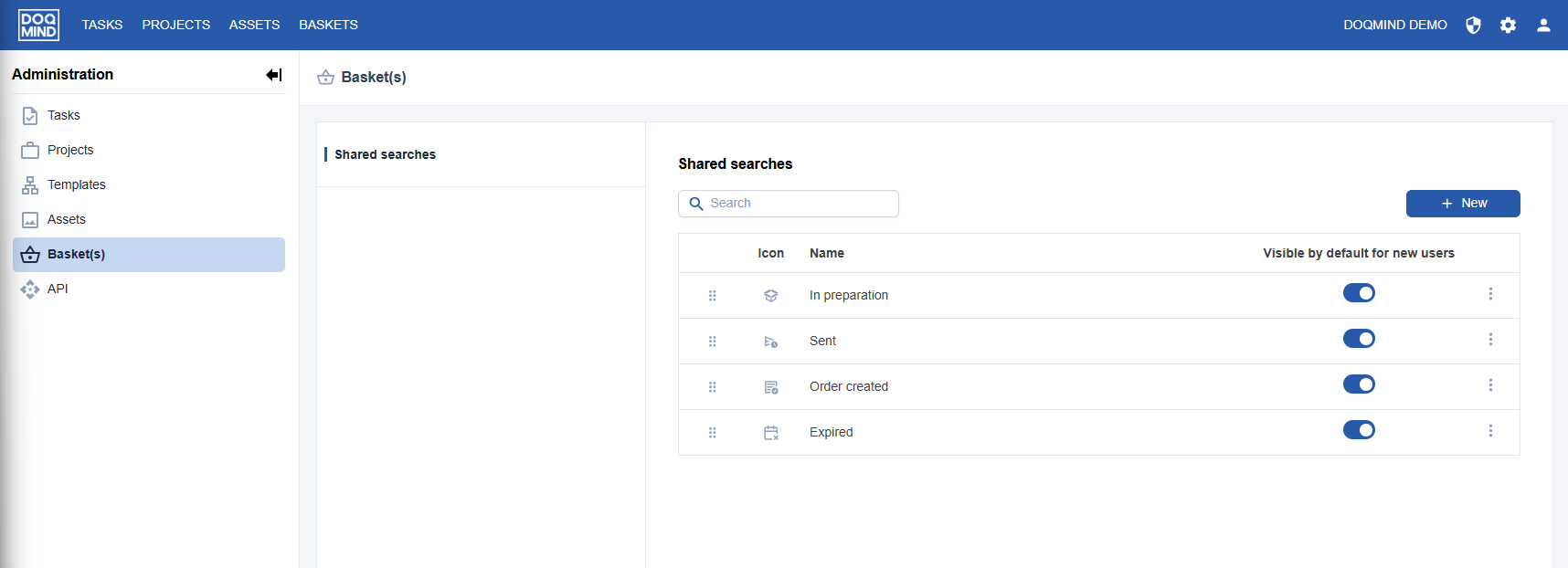
Shared Searches
Administrators can now share their saved search and filter combinations with other users in the same company account. Instructions for sharing can be found in the Shared Searches management.
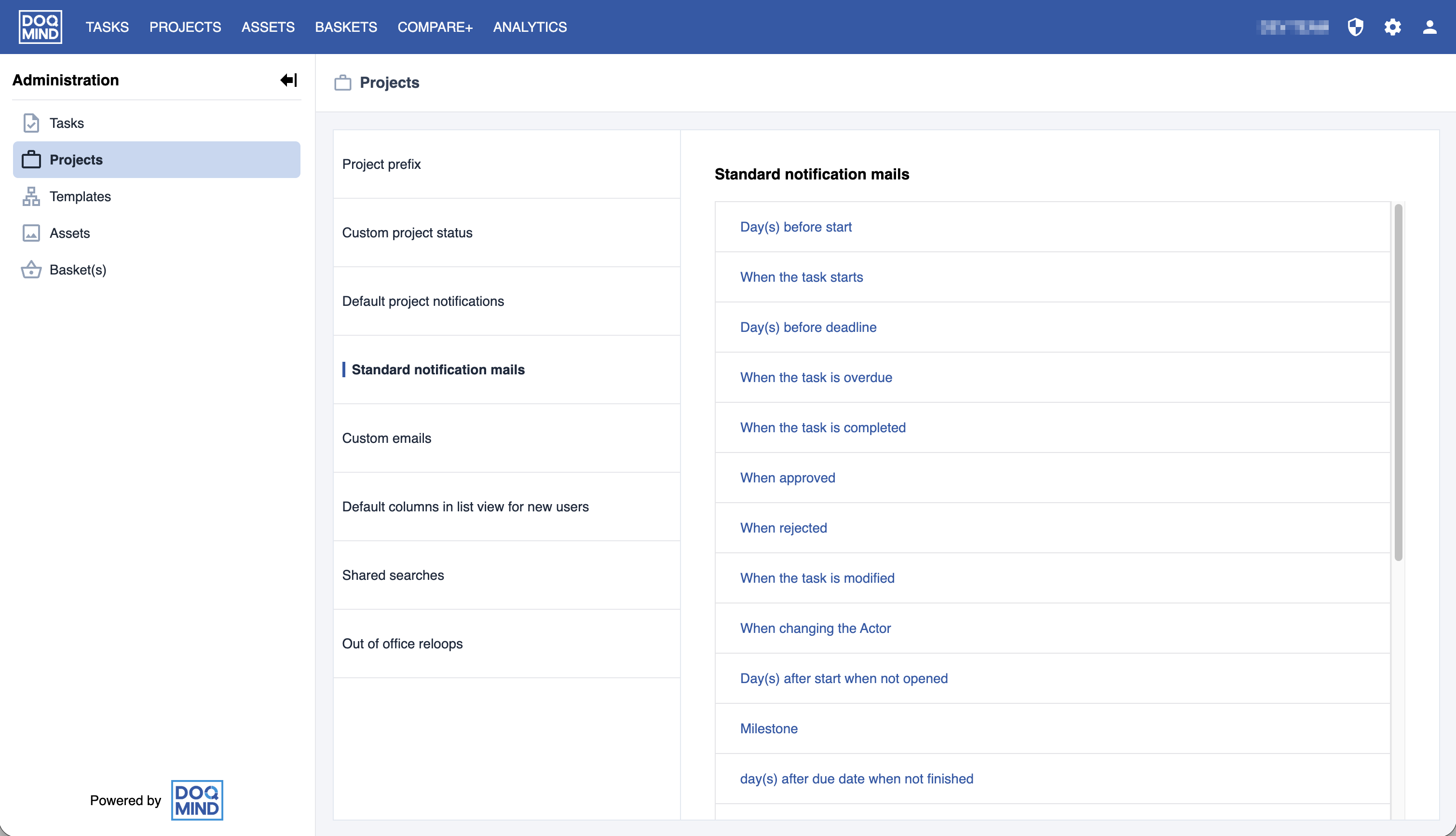
Administration Interface Redesign
We have split the administration settings into distinct sections to make it easier to locate specific configurations. An overview is available in Administration.
Configurable User Management Columns
Administrators can now select and reorder visible columns in the user management list view, matching the behavior of other lists in the platform. More about user management can be found on User Management.