
Quick compare lets you launch the viewer in compare mode on two assets without adding them to the compare+ module.

Quick compare is in the assets module, beside the upload/create folder buttons. It is available from any folder and the search results. Select one or two assets and click the ‘Add to quick compare’ button or use the context menu. Adding assets to Quick Compare requires the Add to Quick Compare user right.
Quick compare has two slots for assets. The number indicator shows how many slots are filled. When both slots are full, launch the “compare assets” action to open the viewer.
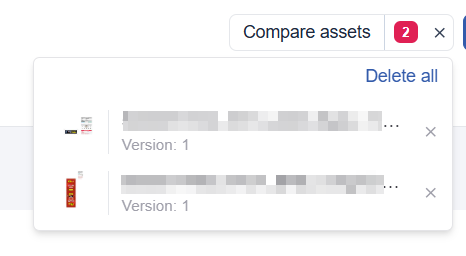
Click the number to view the asset slots. You can delete an asset or clear all by clicking the cross.