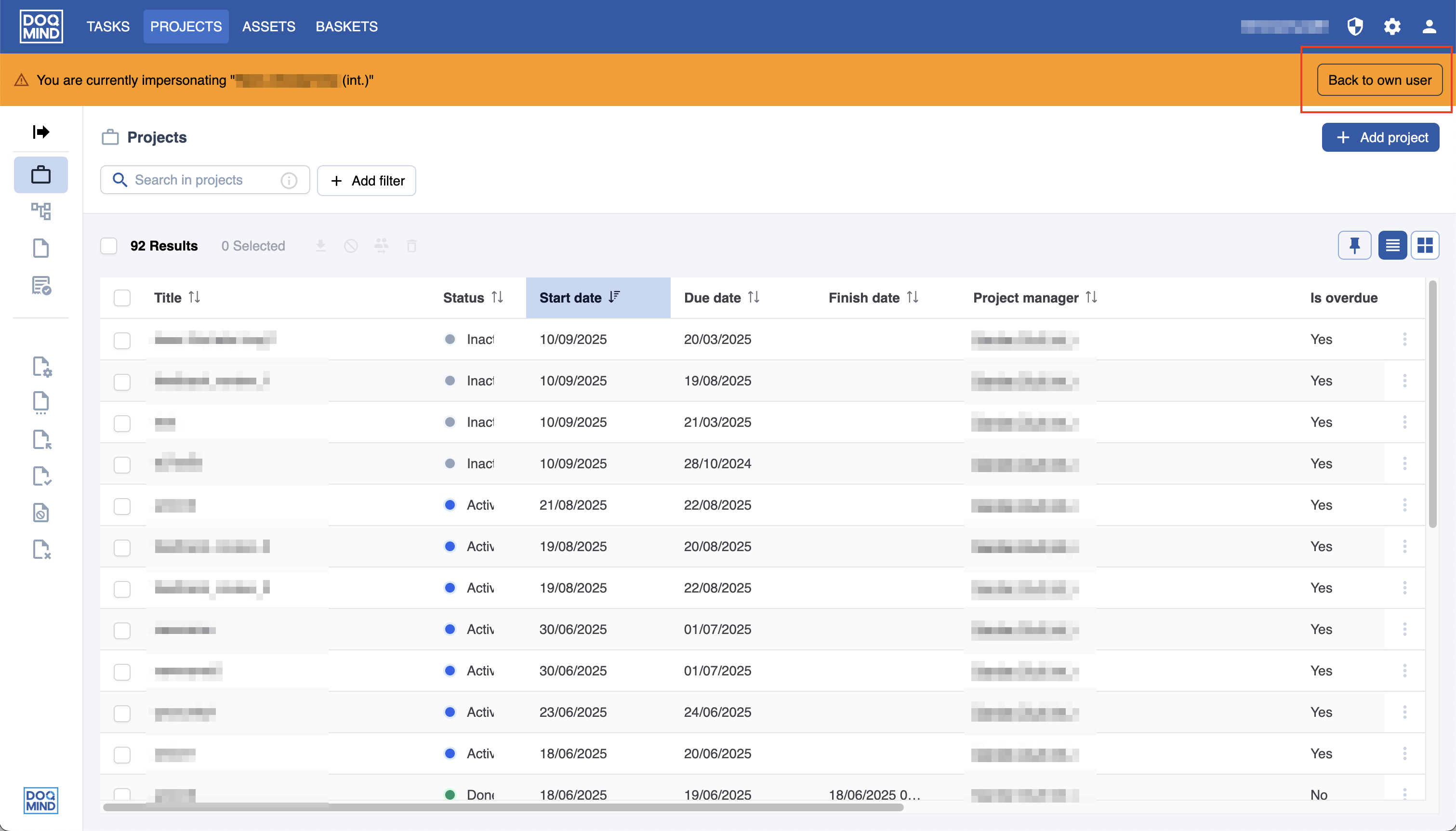
As an administrator in DOQMIND, it’s possible to impersonate a user. This allows you to see what exactly a user is seeing and act on their behalf. It is mainly used for troubleshooting and remote support.
Going to impersonate mode
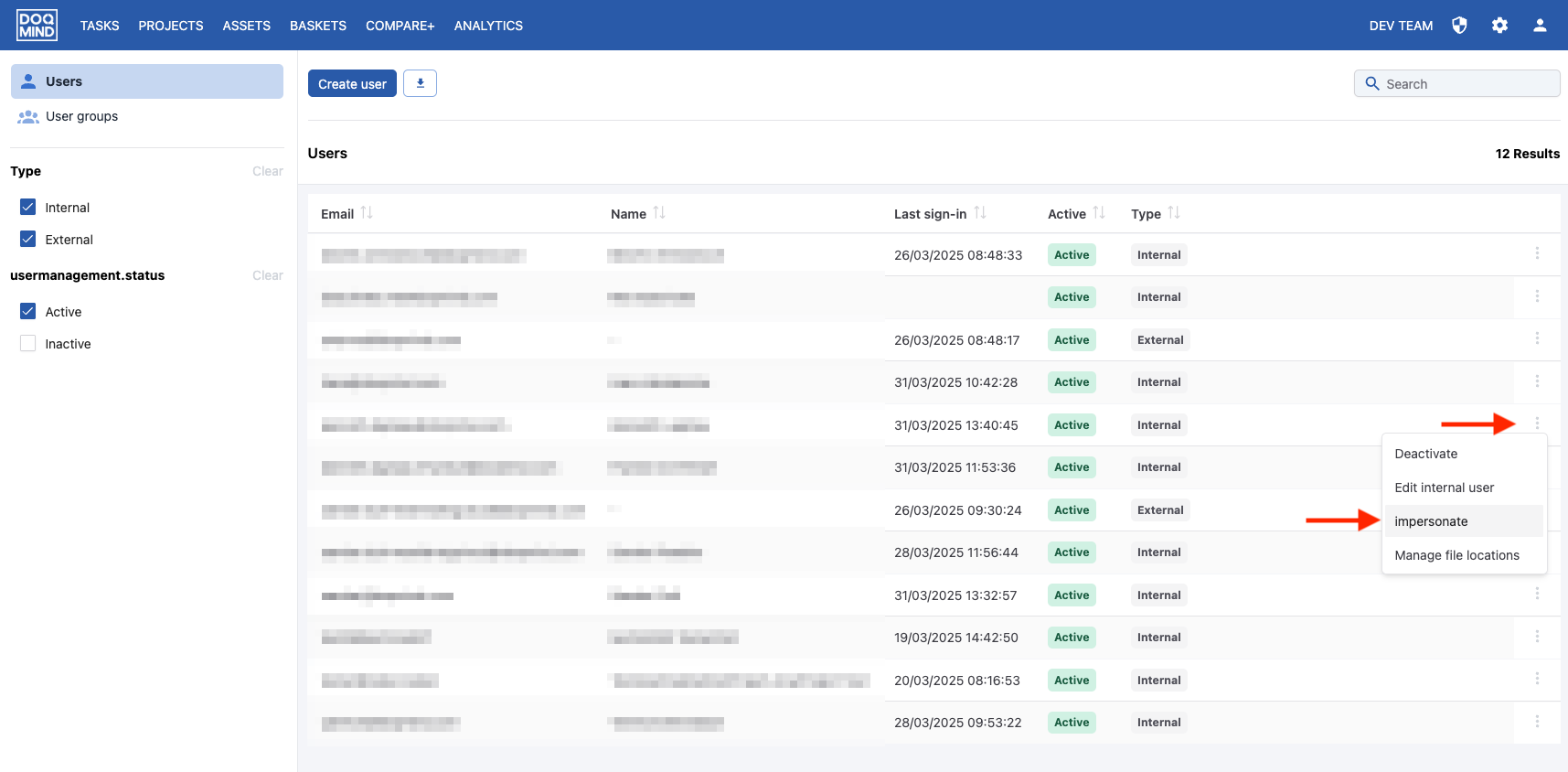
In order to impersonate a user, go to the user management page and look for the user you want to impersonate. Click on the context menu and click 'impersonate”:
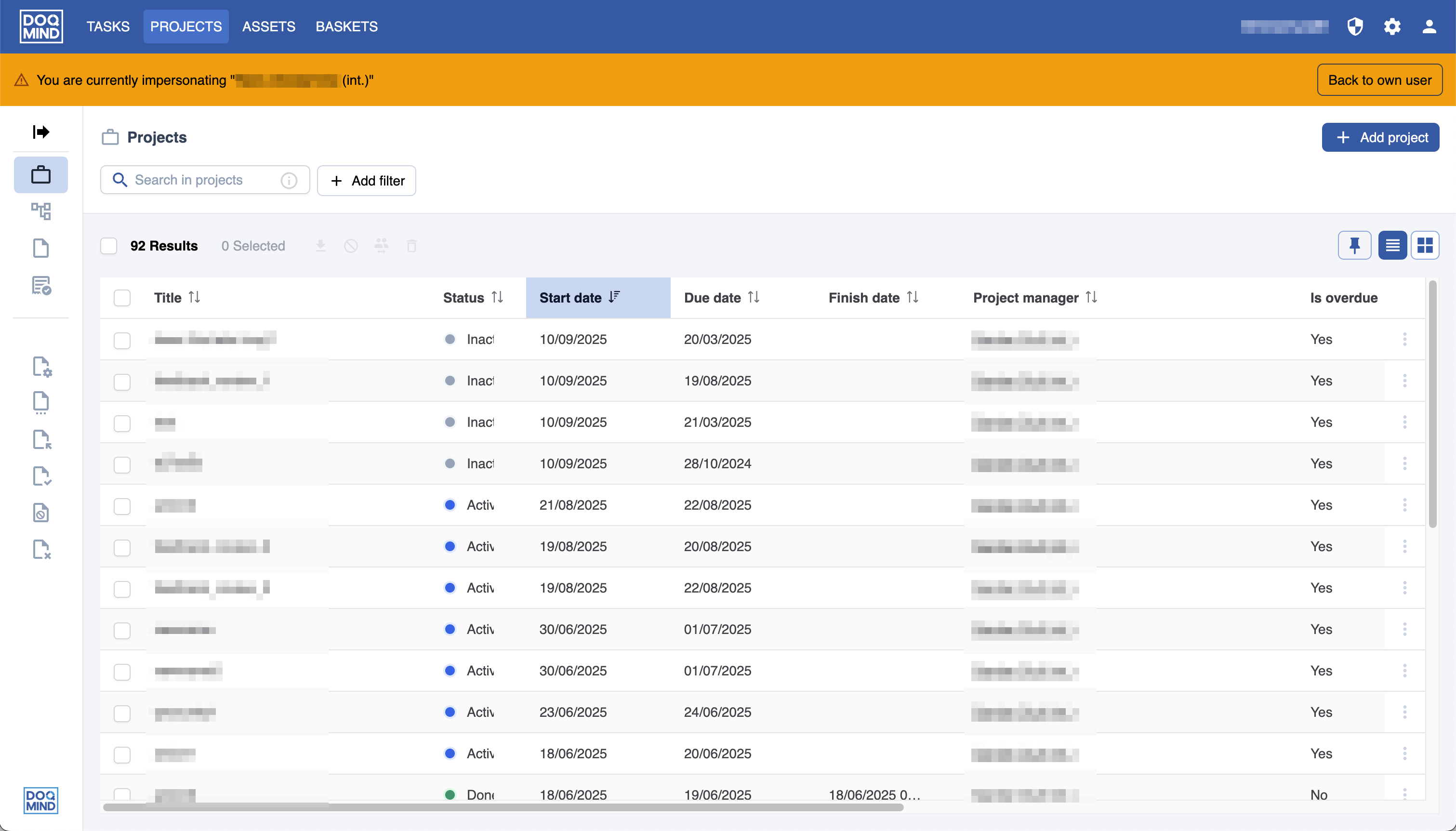
You will now see the DOQMIND interface exactly as the selected user sees it.
As long as you are impersonating, a yellow top bar will be shown below the topbar of the interface.
Exit impersonation mode
To exit impersonation mode, click “Back to own user” in the yellow impersonation banner.