There are 2 types of users in DOQMIND:
Internal users
Internal users are your collaborators. These are the people that work in your company and that you want to allow to use (part of) the system. Internal users can be assigned specific rights, but they will have access to all assets and all projects in your account.
External Users
External users have a limited set of rights when compared to internal users.
How external users get access to assets depends on whether your company has switched to Rights on Assets.
If Rights on Assets is enabled for your company, the internal or external distinction no longer affects asset access. Everyone, internal and external, is granted access through the same Rights on Assets system, with the same rights available, set via Set Rights on folders and assets
If your company has not switched over yet, external users access assets through folder shares: an internal user shares a folder with an external user or group. This older model will be replaced by Rights on Assets as companies migrate.
External users can have the projects right “actor”. This makes them eligible for actor assignment in project tasks.
External users can be organised in user groups.
In the interface
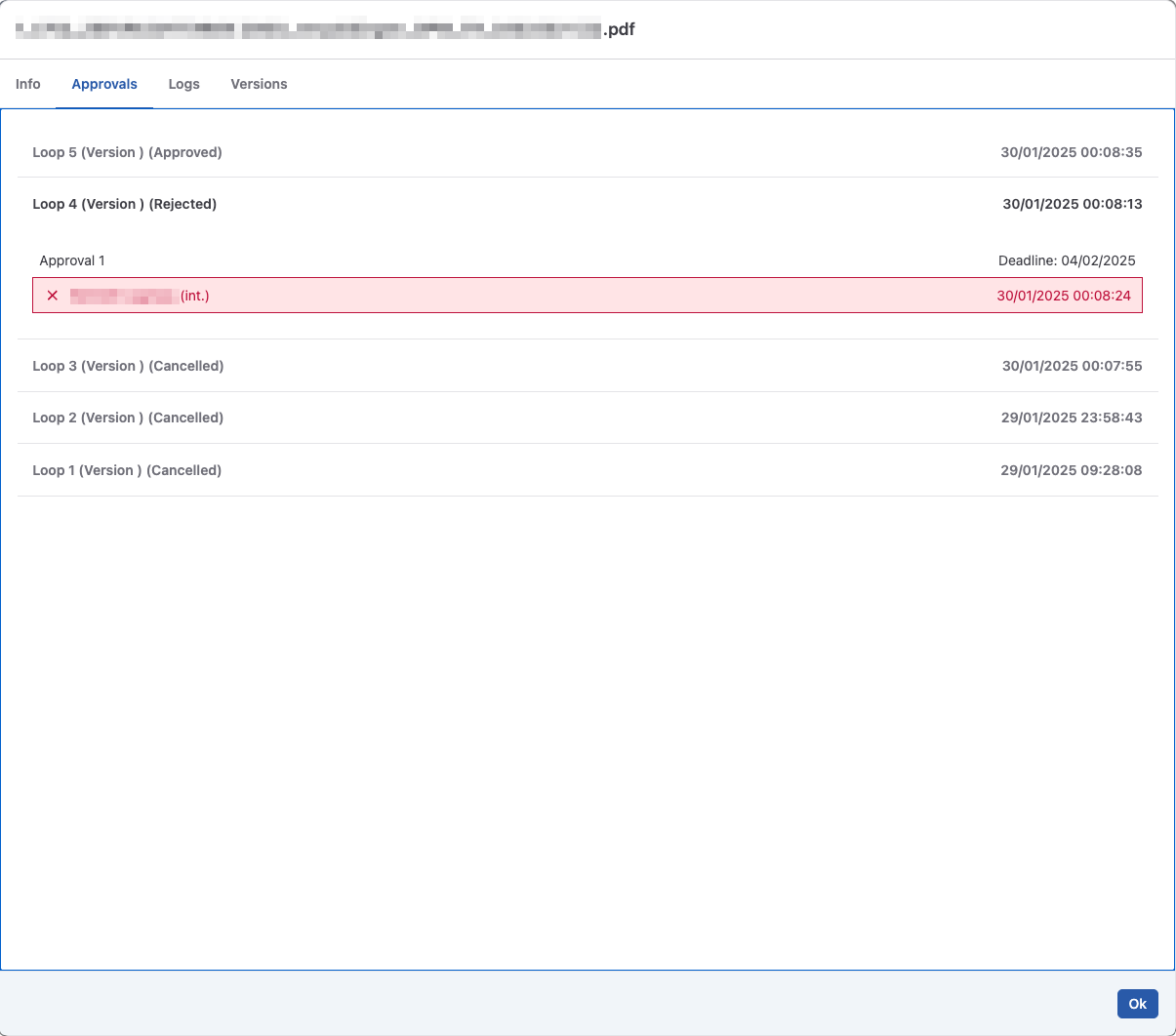
In various areas in DOQMIND, names will be suffixed with (int.) or (ext.). Indicating whether they are an internal or an external users, respectively.