
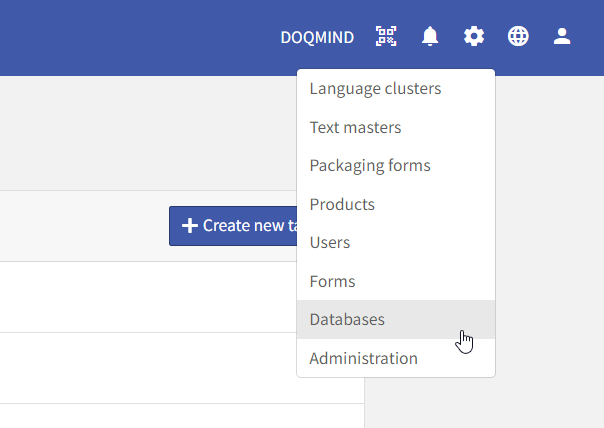
The database manager is where you can create and manage your databases. It can be accessed via the settings → databases menu:
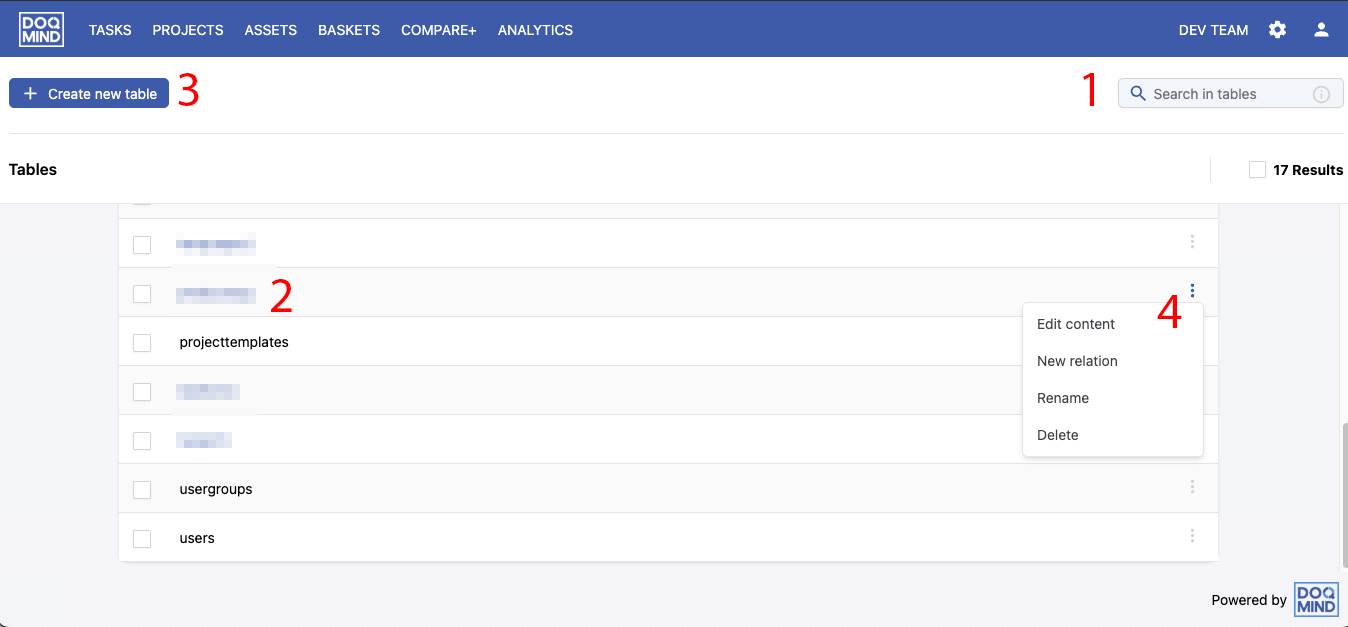
The database manager contains the following elements:
-
A quick search bar, allowing you to easily find the table
-
The list of tables. Clicking a table will open the table and show its contents. Tables in blue are custom databases and can be changed. Tables in grey are system database and cannot be changed manually. Examples in the screenshots are “projecttemplates”, “usergroups” and “users”.
-
The “create new table” option that allows you to create a new table
-
The context menu, available for every individual database.