
Create a table
You can create a new table by clicking on the ‘create new table’ button in the database manager

Create a new table
Enter a name in the modal and click OK.
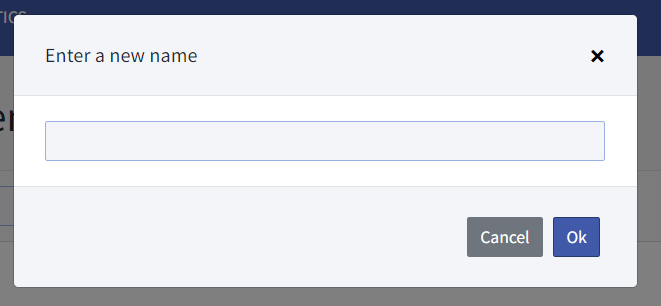
The table is now created and available in the list in the database manager.
Adding and deleting values from a database
Click on the name of a table in the database manager. The table editor opens.
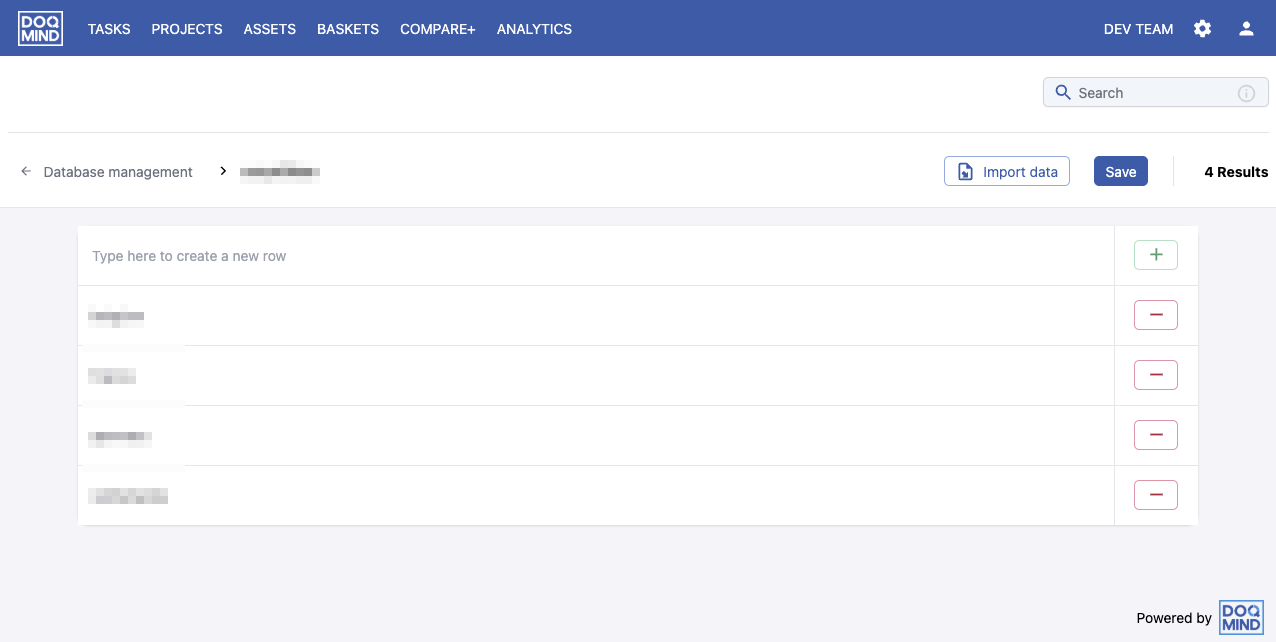
You can add data by typing a value in the “Type here to create a new row” box. Click on the “+” button to add the data. You can continue adding data.
You can remove an existing value by clicking the '-' button next to the item you want to remove.
Once all modifications are done, click the ‘save” button to apply them. If you make a mistake, you can click on ‘reset' to revert to the last saved state.
Importing data
It is possible to import data from a file. The following file formats are supported:
-
csv (separator is “,”)
-
xls/xlsx
When you click on the ‘import data’ button a new modal will appear. You can browse or drag & drop a supported file type
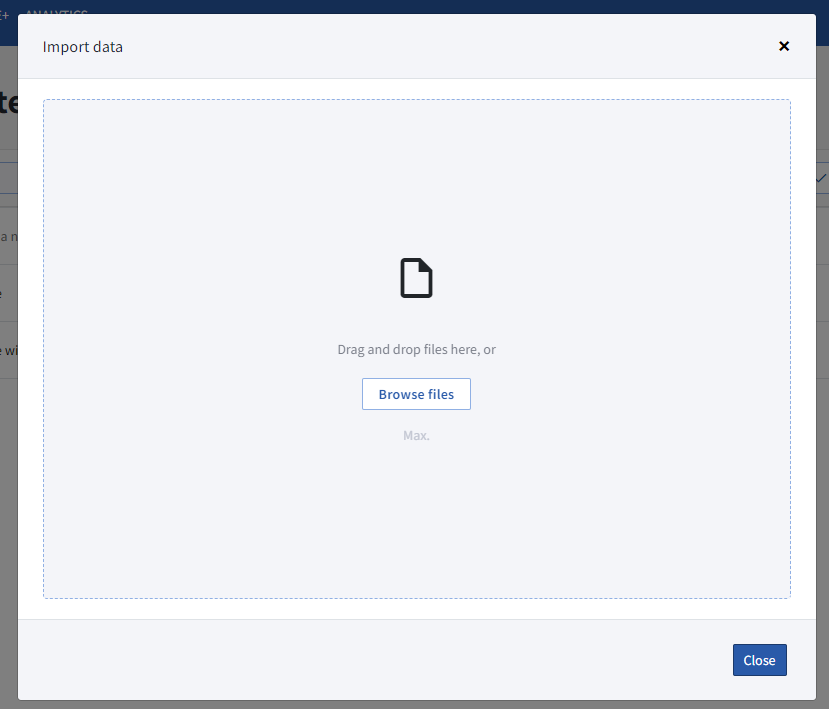
When importing csv/xls/xlsx the values from all columns are imported.
Data is appended to the existing data set. If you import the same file 2 times, the data will be present 2 times. There is no de-duplication of data.
Importing data immediately saves the changes. There is no way to reset.
The import behaviour will change and we will only import the 1st column of excel/text files.
Rename a table
You can rename a table by clicking on the action button in the database management window and clicking on ‘rename’ button in the context menu.
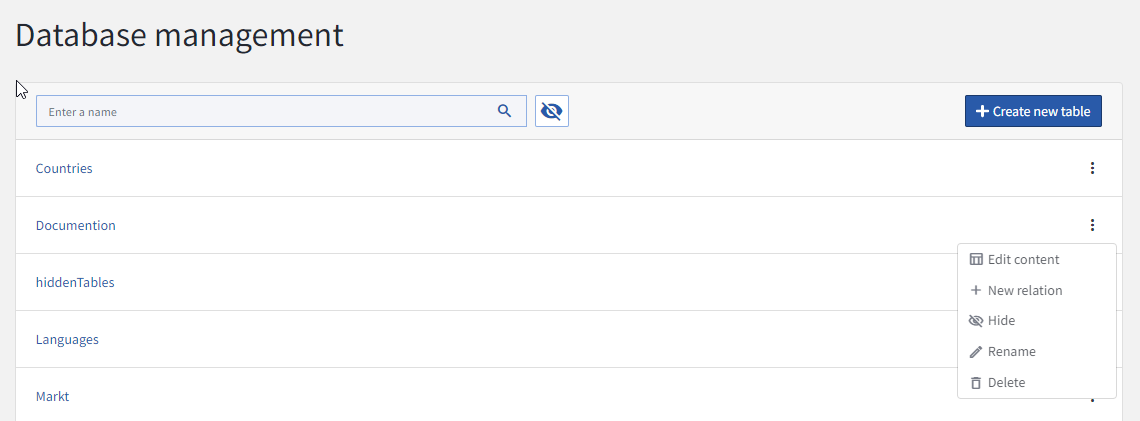
A modal opens that allows you to rename the table. If the table is used in a form, you’ll get a warning letting you know the table cannot be renamed without modifying the form.
Delete a table
You can delete a table by clicking on the action button in the database management window and clicking on ‘delete’ button in the context menu.
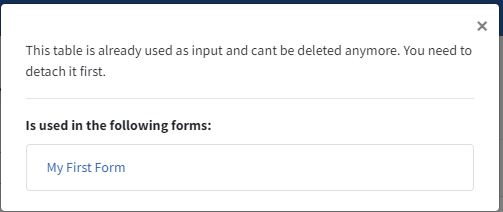
If the table is used in a form, you’ll get a message indicating that the table cannot be deleted.
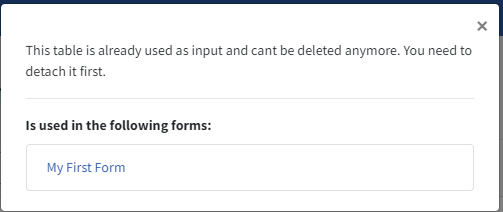
You will have to modify the forms to make sure the table is no longer used before you can delete it.