There are 2 ways form can be used within DOQMIND. An actor can be asked to fill in a form with a Fill Form tasks or a project manager can select a form when creating a project. See the Fill in the form task or Creating Projects sections of the manual for their respective details.
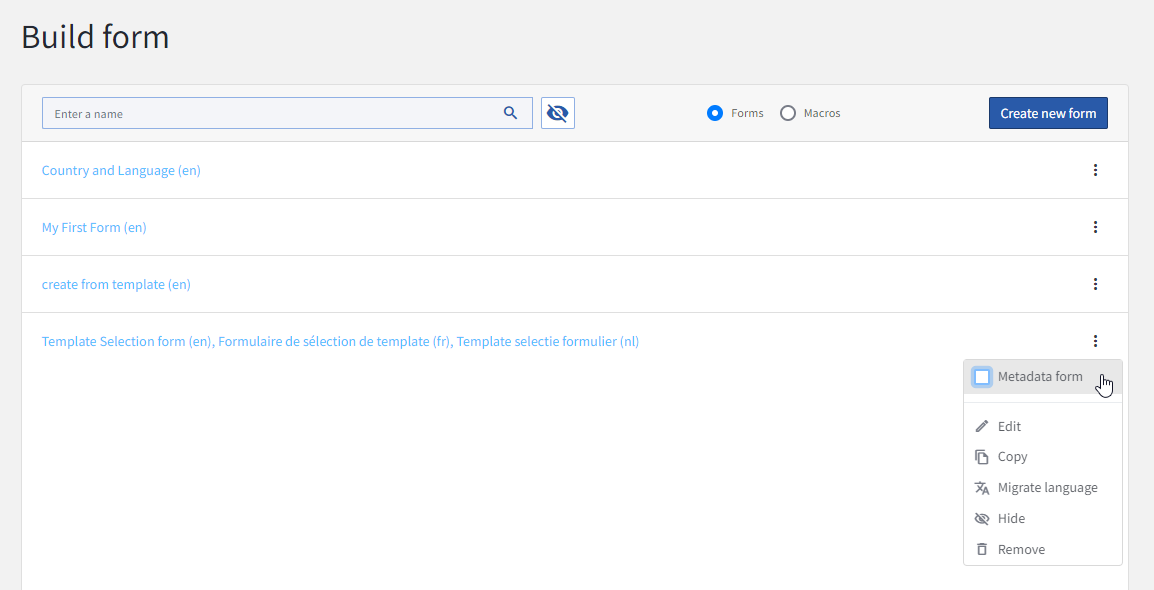
A form will always be available for use in the Fill Form task. If you want the form to be available when creating a project, it must be marked as a metadata form. This can be done from the context menu in the form manager.
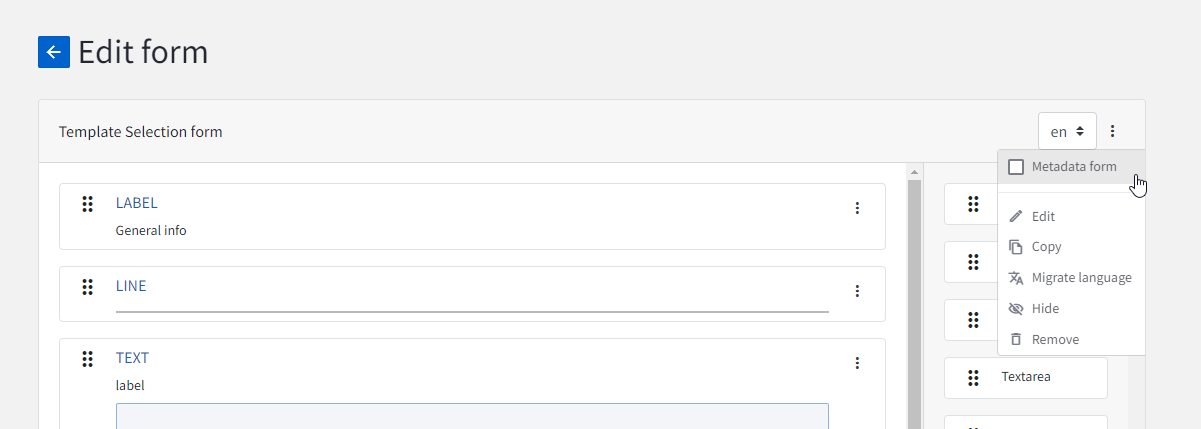
Alternatively, this option can be activated in the Form Editor, again, from the context menu.